
More schools and homes now use 3D Printers for Kids, letting children turn their ideas into real objects, like toys, models, and class projects, with ease. Lower prices and simpler machines make them more accessible than ever.
3D printing helps kids simply understand complex ideas. A child can design something, print it, test it, and fix it, building problem-solving and creative thinking. It also connects math, science, art, and tech in one activity. Using the best 3D printer for small business models at home can inspire both learning and entrepreneurship.
Kids need safe tools. Good printers cover hot parts and use low-odor materials. Simple controls also help children print without stress. When a printer is secure and easy to use, kids can learn and explore with confidence.
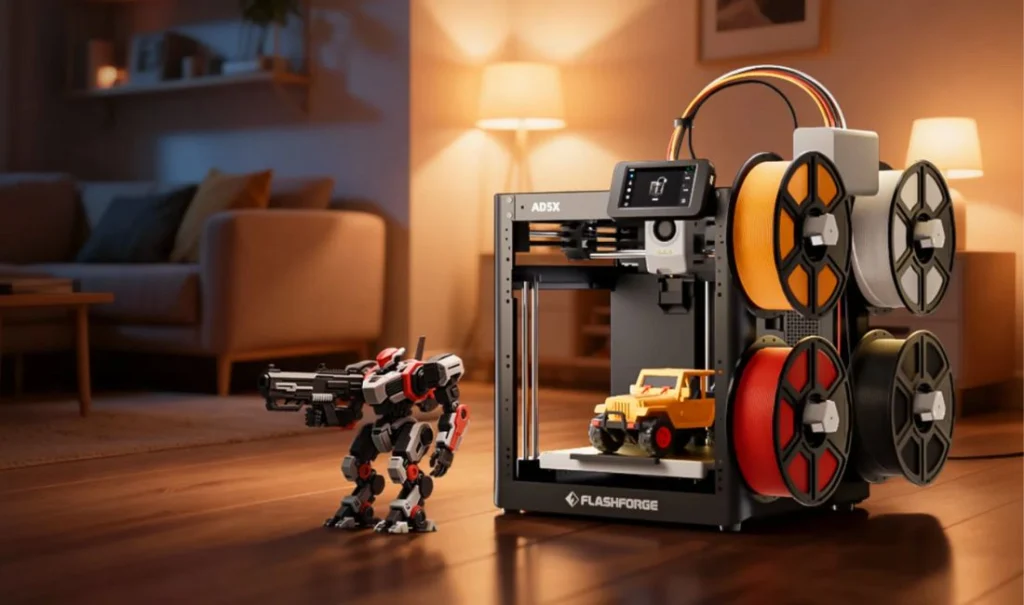
What Makes a 3D Printer Kid-Friendly?
Safety Features
A kid-friendly printer should have an enclosed build area. This keeps children away from hot parts. Cool-touch surfaces add more safety. The printer should also use low-odor materials, such as PLA. PLA is safer for indoor use and gives off fewer fumes. These features help kids print without risk.
Easy Setup and Simple Controls
The 3D printer for Kids needs a printer that starts fast. Plug-and-play models are best because they need little setup. A touchscreen with clear menus helps children use it with confidence. Auto-leveling also saves time and avoids mistakes. Simple controls keep the printing experience fun.
Reliable Customer Support
Good customer support makes a huge difference. Clear guides, video lessons, and fast help keep the printer running well. Support also helps parents solve problems quickly. A strong warranty adds extra peace of mind.
Education Value for School Projects
A kid-friendly printer should help with learning. It should support STEM projects and simple design tasks. Many printers offer ready-to-print models that help kids get started quickly. These tools foster creativity and safely support schoolwork.
Best 3D Printers for Kids (School and Home)
1. XYZprinter da Vinci Mini / Jr Series
Key features
- Compact and budget‑friendly desktop 3D printer.
- Prints with PLA, a kid‑safe, plant-based plastic, for simple projects.
- Arrives mostly ready to use, so no heavy setup is needed.
Safety elements
- Partially enclosed design makes it safer than open-frame printers.
- Using PLA reduces risky fumes and makes it more kid-friendly.
Why it works for kids
- Easy to use out of the box, suitable for beginners or children starting 3D printing.
- Affordable — ideal for school projects or home use.
- Good for simple objects and basic crafts.
Pros
- Low cost.
- Simple setup and beginner-friendly.
- Uses kid-safe PLA plastic.
- Compact size fits easily on a desk.
Cons
- Limited material compatibility.
- Detailed or large models may be challenging.
2. FlashForge Adventurer 3
Features
- Fully enclosed build area — great for classrooms or home use.
- Built-in touchscreen makes operation easier.
- Supports PLA and ABS filament for different projects.
- Offers Wi-Fi or USB connectivity for easy printing.
Safety
- Enclosed chamber keeps hot parts away from children.
- Filament detection and pause feature prevent printing problems or hazards.
- Quiet printing — suitable for home or school.
Why kids like it
- Feels more “grown up” than toy printers but remains easy to operate.
- Automation and simple interface reduce frustration.
- Balanced safety, features, and creativity for school projects or fun crafts.
Pros
- Safe enclosed design.
- Easy setup and intuitive interface.
- Flexible filament compatibility.
- Good for small to medium projects.
Cons
- Limited build volume.
- Some filament spools may not fit easily.
- Print quality is decent but not top-tier.
3. Creality Ender 3 V3 SE (Beginner‑friendly setup)
Features
- Affordable entry-level 3D printer.
- Teaches more about 3D printing mechanics and calibration.
- Strong community support with many guides for beginners.
Safety note
- Open-frame design requires adult supervision.
- Heated bed and moving parts require careful handling.
Learning benefits
- Great for older kids or teens who want to learn 3D printing.
- Offers control over settings, slicing, and model tweaks.
- Helps build problem-solving and hands-on technical skills.
Pros
- Budget-friendly.
- Good print quality once calibrated.
- Great for learning basics and advanced tinkering.
- Large user community with tutorials and support.
Cons
- Not ideal for younger kids.
- Requires assembly and calibration.
- Needs supervision and some maintenance.
4. Toybox 3D Printer (For Younger Kids)
What makes it playful
- Designed specifically for children — toy-like interface.
- One-click printing allows kids to select and print designs quickly.
- Compact, light, and easy to place at home.
Printable library
- Built-in catalog of ready-to-print toy designs.
- Uses non-toxic PLA filament — safe for younger children.
Pros
- Very easy to use — minimal setup.
- Safe for younger kids.
- Great for fun projects: toys, figurines, small crafts.
- Compact and child-friendly.
Cons
- Small build volume limits model size.
- Limited to proprietary filament or design constraints.
- Print quality and detail are lower than more advanced printers.
5. Anycubic Kobra 2 Mini (For Teens)
Smart features
- Automatic bed leveling and smart Z-offset simplify setup.
- Direct drive extruder and modern motion system give reliable filament feeding.
- Semi-assembled out of box — ready to print quickly.
Print quality
- Capable of fast printing speeds for larger projects.
- Produces clean prints with smooth layers when set properly.
Education value
- Ideal for teens interested in design, prototyping, and learning advanced skills.
- Flexible enough to grow from basic printing to complex projects.
Pros
- Mix of ease-of-use and advanced capability.
- Fast printing and good print quality out-of-the-box.
- Auto-leveling simplifies setup for beginners and teens.
Cons
- Open or semi-open design is less safe for younger kids.
- May need calibration for optimal results.
- Noise and fan cooling may be noticeable in small rooms.
Best 3D Printers for Kids: Comparison Table
| Printer | Price Range | Build Volume | Safety Level | Ease of Use | Best Age Range | Ideal Use |
|---|---|---|---|---|---|---|
| XYZprinter da Vinci Mini / Jr Series | Low | Small | Medium (partially enclosed) | Very easy | 7–14 | Home, School Projects |
| FlashForge Adventurer 3 | Medium | Small–Medium | High (fully enclosed) | Easy | 8–16 | Home, School, STEM Projects |
| Creality Ender 3 V3 SE | Low–Medium | Medium | Medium (open-frame, supervision needed) | Moderate | 12+ | Home, Teens learning printing |
| Toybox 3D Printer | Medium | Small | High (child-focused, enclosed) | Very easy | 5–10 | Home, Fun Toys & Crafts |
| Anycubic Kobra 2 Mini | Medium | Medium | Medium (semi-open, supervision advised) | Easy–Moderate | 12–18 | Home, Teens, Advanced Projects |
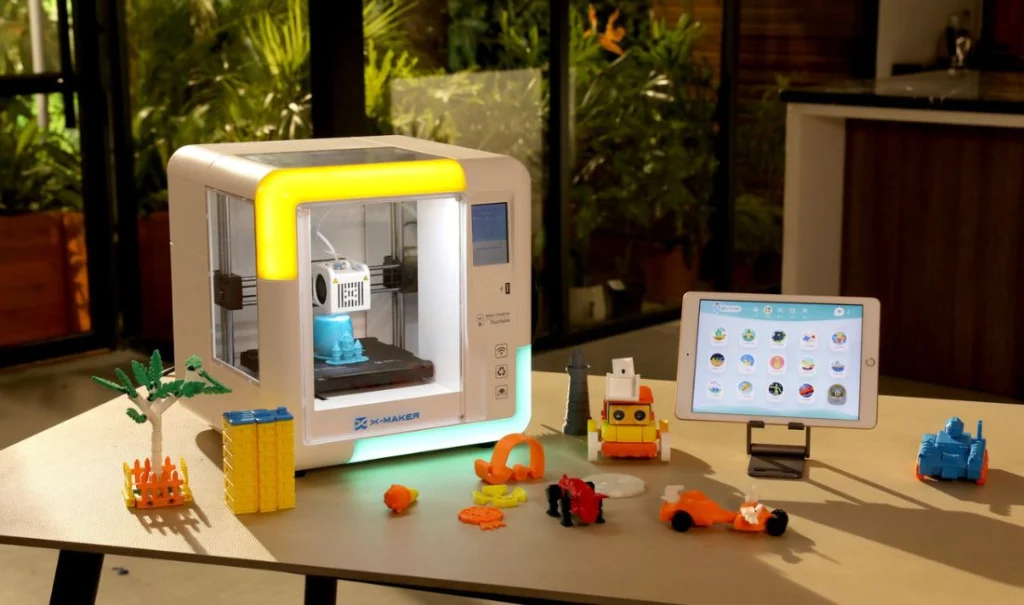
How to Choose the Right 3D Printer for Your Child
Age and skill level
Start by thinking about your child’s age and how they like to learn. Younger kids (around age 5–10) often do best with a fully enclosed printer that has simple controls and safe materials. Those printers reduce risk and make projects easier for little hands.
For older kids or teens, you can consider more flexible printers. These let them explore settings, change materials, and build bigger or more detailed models.
Match the printer to the child’s skill and readiness. That helps keep printing fun and not frustrating.
Budget and long-term use
Decide how much you want to spend now — and how long you want the printer to last. Many safe, entry-level printers with PLA support cost under $300 and work well for beginners.
If you want a printer that grows in capability over time, you might spend a bit more for extra features. A better printer might support different filaments, larger prints, or more precise models.
Also, think about costs beyond the printer — materials, filament spools, maintenance, and sometimes extra parts or replacement pieces.
School assignments vs. home creativity
Ask yourself how you plan to use the printer. If it’s mostly for school projects — like models for science class or art assignments — a simple, safe printer with easy PLA printing might be enough. That helps avoid complications and keeps printing quick.
If you want more creative freedom — fun toys, prototypes, or craft projects — a versatile printer might suit you better. That lets kids experiment with size, shape, and detail. Some printers offer larger build volume or support different materials — that helps for more complex or durable projects.
Choosing based on purpose (school vs. play) helps you pick the right features rather than the “flashiest” model.
Material availability
The material a printer uses matters a lot for safety and ease. For beginners and children, “PLA” filament is usually the best choice. It is plant-based, easier to print, and emits fewer odors.
Some printers support stronger materials (like ABS or PETG), which produce stronger, more heat-resistant objects. But they often need better ventilation, and may be harder for kids to handle safely.
Check which materials are readily available in your area. Also, think about cost and whether the printer you choose supports those materials. A printer that only works with hard-to-find filament may limit what your child can build.
Tips for Safe 3D Printing With Kids
Adult Supervision
- Always let a responsible adult watch while printing.
- Teach children not to touch moving parts or hot surfaces.
- Wait until printing is finished and cooled before removing parts.
- Keep children at a safe distance during printing and cleanup.
Ventilation
- Use the printer in a well-ventilated room with open windows or doors.
- Use a printer enclosure with a vent or exhaust fan if possible.
- Avoid using the printer in small closed spaces like bedrooms or closets.
Filament Choice — PLA
- Use PLA filament, which produces fewer fumes than ABS or other plastics.
- PLA prints at lower temperatures, reducing heat-related risks.
- Handle prints gently and wash hands after contact.
Good Safety Habits
- Place the printer on a stable, flat surface and keep the area tidy.
- Do not eat, drink, or chew gum near the printer during printing.
- Use tools like tweezers or scrapers to remove prints and filament scraps.
- Clean the printing area with a damp cloth or vacuum to remove dust.
- If you notice smoke, odd smells, or unusual behavior, stop printing immediately.
Final Thoughts
3D printing is a fun way for kids to explore creativity, from making toys to school models. Safety and reliability are key—choose a printer with a safe design, non-toxic filament, and supervise use to avoid accidents. Start with simple projects like keychains or small models so kids can learn the basics and gain confidence before moving on to bigger creations. Encouraging curiosity, using a dependable printer, and beginning with easy projects make 3D printing both safe and exciting for home or school.
Frequently Asked Questions
Is 3D printing safe for kids?
Yes — but only with care. 3D printers heat plastic to high temperatures and can release small fumes or particles. Good ventilation, non‑toxic filament (like PLA), and adult supervision make printing much safer.
What kind of filament is best for children?
The safest choice is PLA (Polylactic Acid). It melts at lower temperatures, gives off less smell or emissions, and is non‑toxic and biodegradable — making it ideal for kids’ projects at home or school.
What age is good to start 3D printing?
Younger kids (under ~6) should only watch and not touch the printer. Children around 6–12 years old can participate with close adult supervision. Teens 13+ may handle more of the process themselves — but only after learning safe practices.
What features should a kids’ 3D printer have?
Look for a fully enclosed build area, simple controls, an auto‑leveling bed, and quiet operation. These make the printer easier and safer for children to use.
What kinds of things can kids make with a 3D printer?
Kids can print toys, school models, keychains, mini-figures, and art projects — small and fun objects that help them learn design and creativity.