 Skip to content
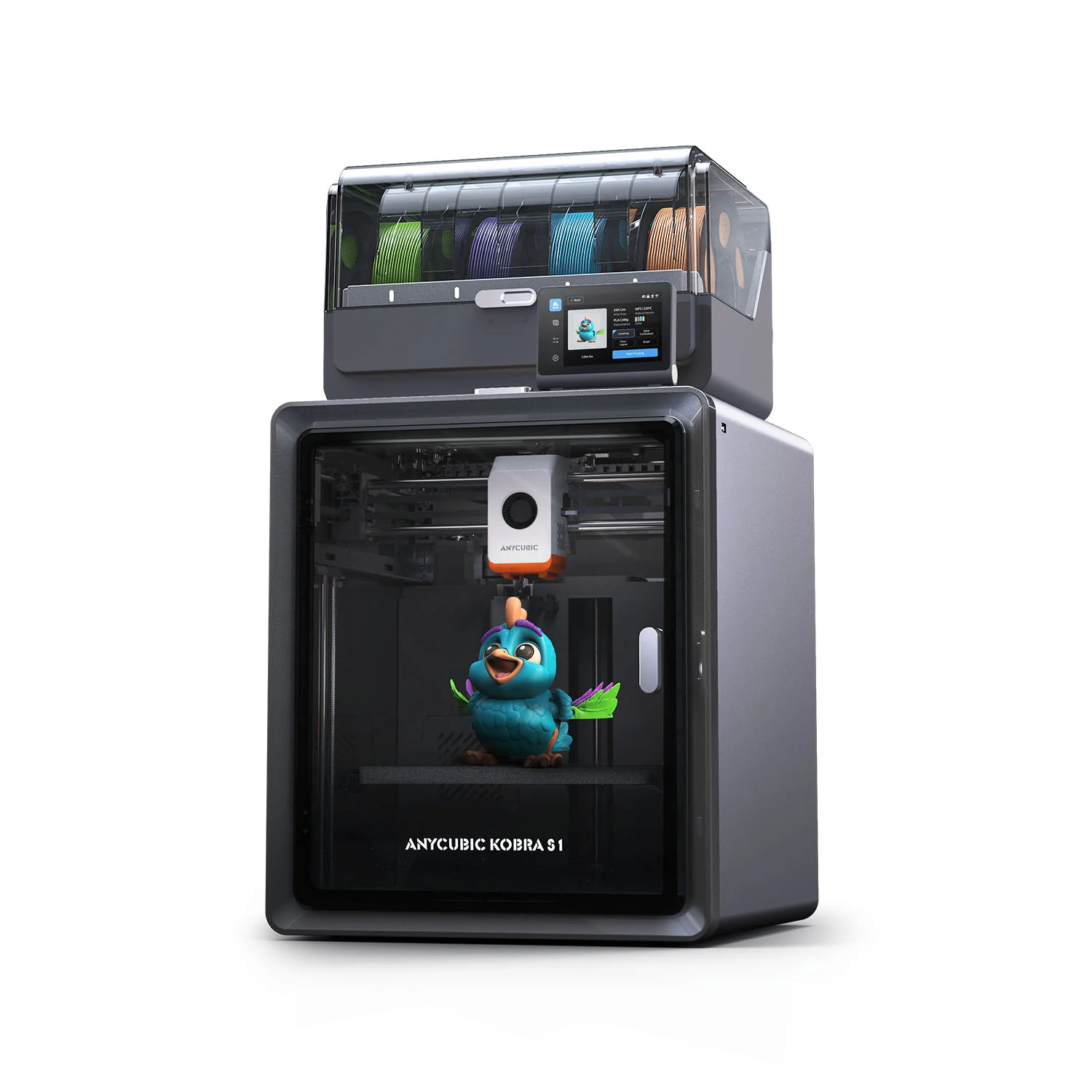
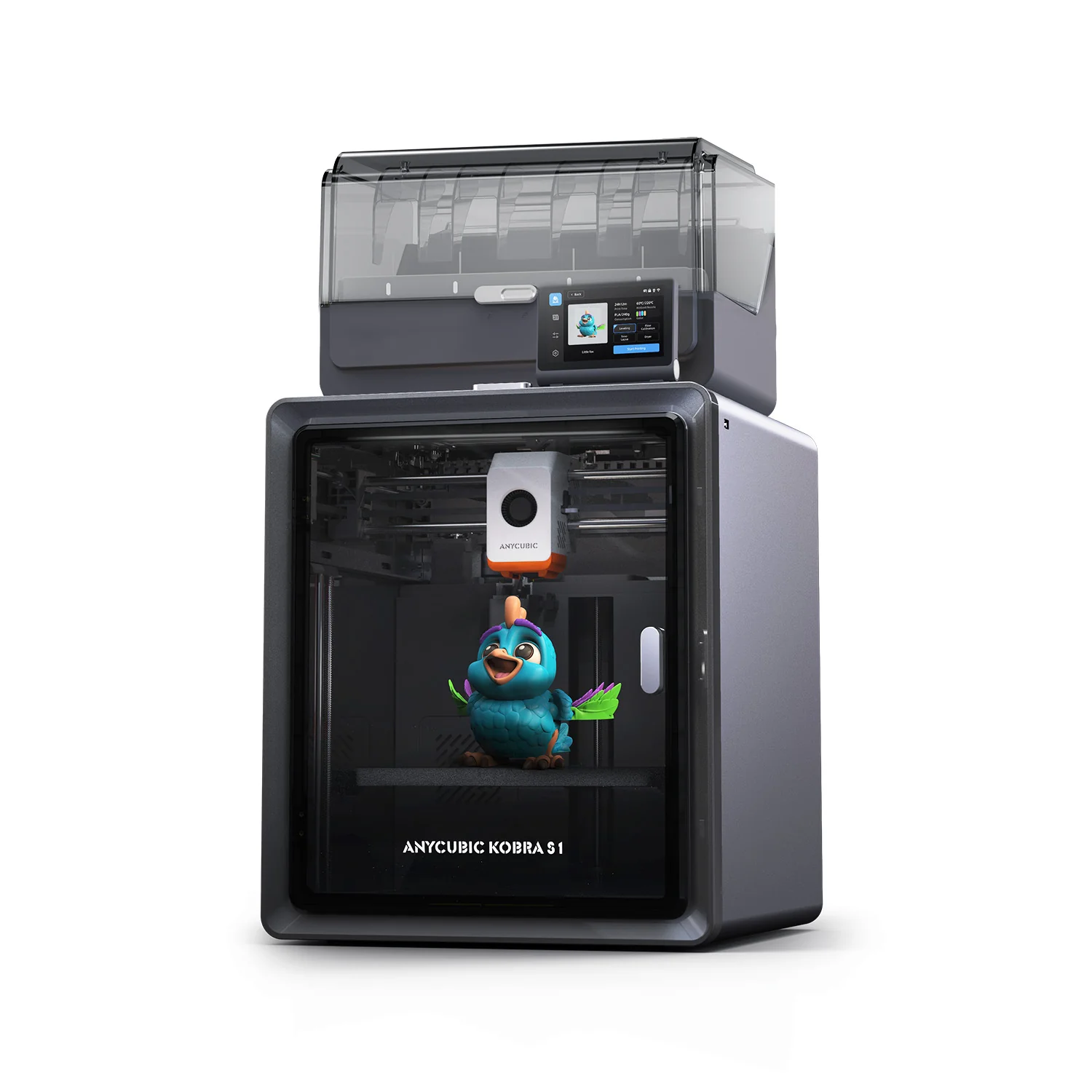
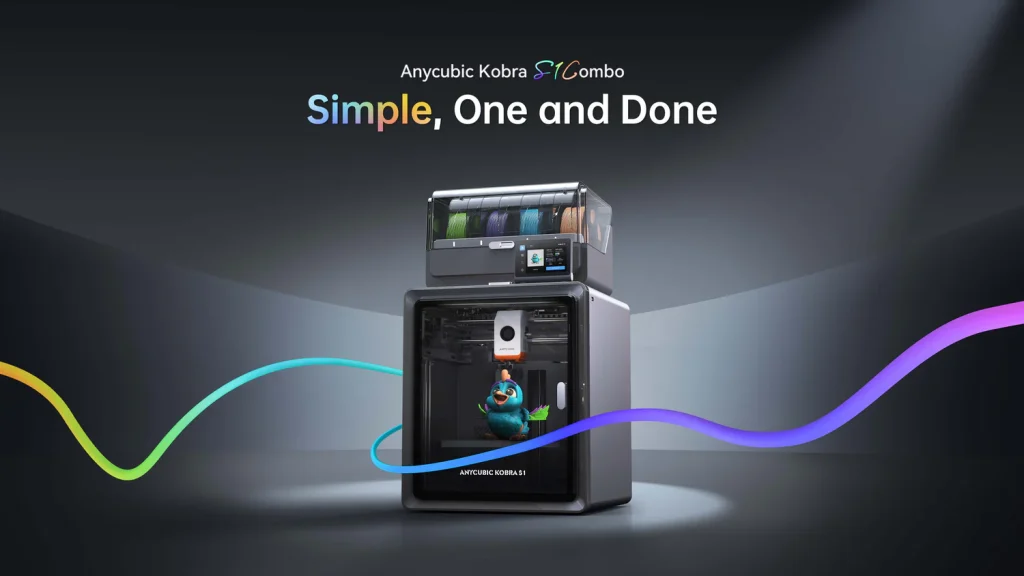
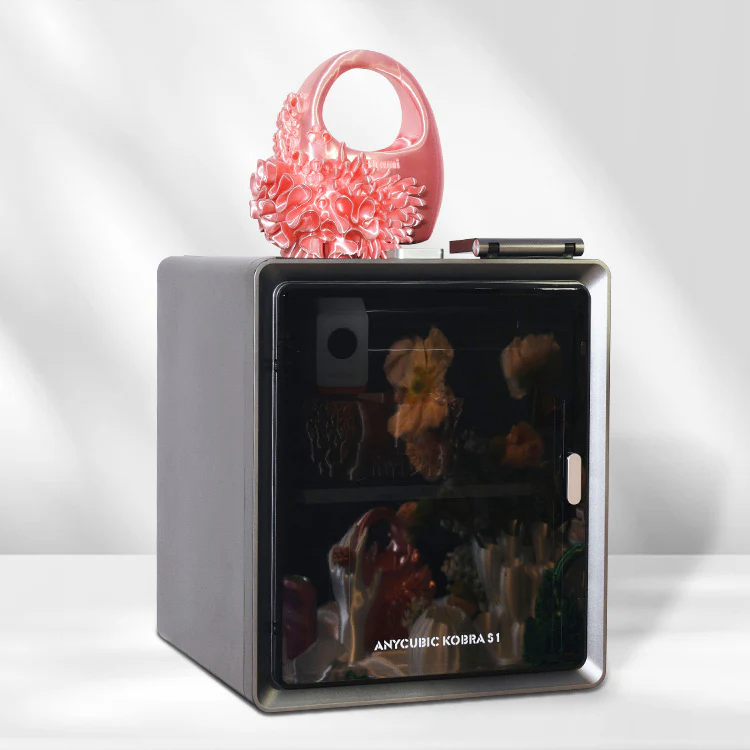
The Anycubic Kobra S1 is a high-speed, fully enclosed CoreXY 3D printer designed for both beginners and experienced users. The “Simple, One and Done” marketing refers to its ease of setup, high reliability, and intelligent features that simplify the printing process. The Combo version includes the Anycubic ACE Pro color engine for multicolor printing.
Discover the Anycubic Kobra S1 3D Printer for fast, precise, and reliable printing. Perfect for beginners and pros seeking top-quality results. Read now!
Related internal pages:
- anycubic-kobra-3-v2/
- anycubic-kobra-3/
- anycubic-kobra-s1-combo/
- anycubic-kobra-3-combo/
- anycubic-kobra-2-max/
Product Features
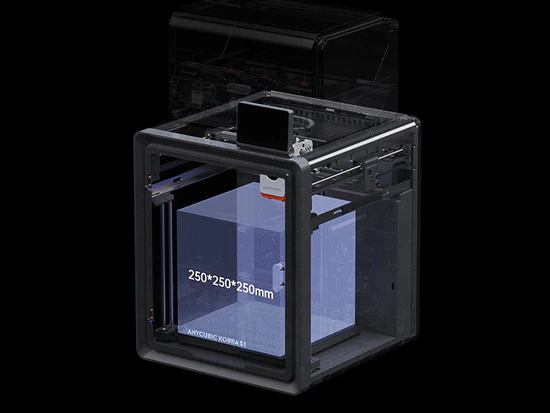
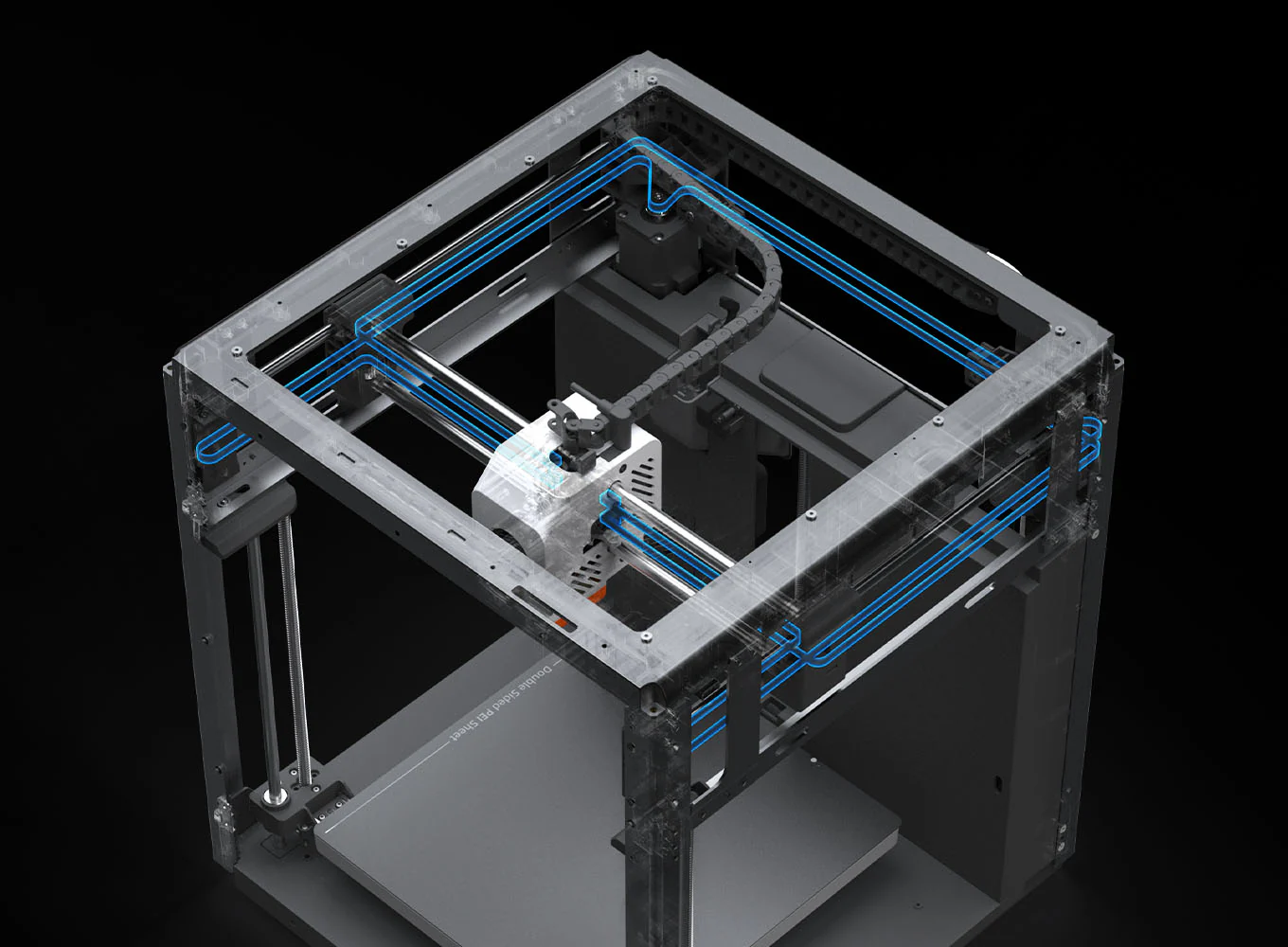
● Fully Enclosed CoreXY Construction with a Print Size of 250*250*250mm
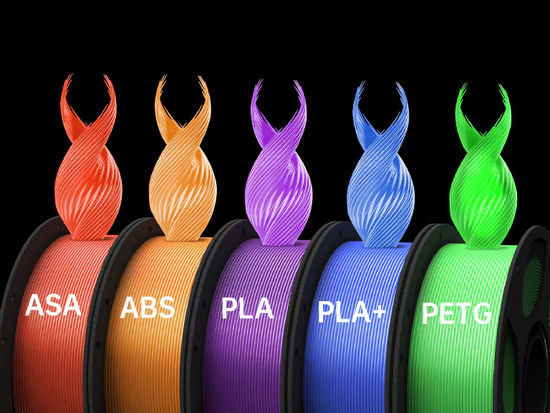
● Compatible with all Major Filaments
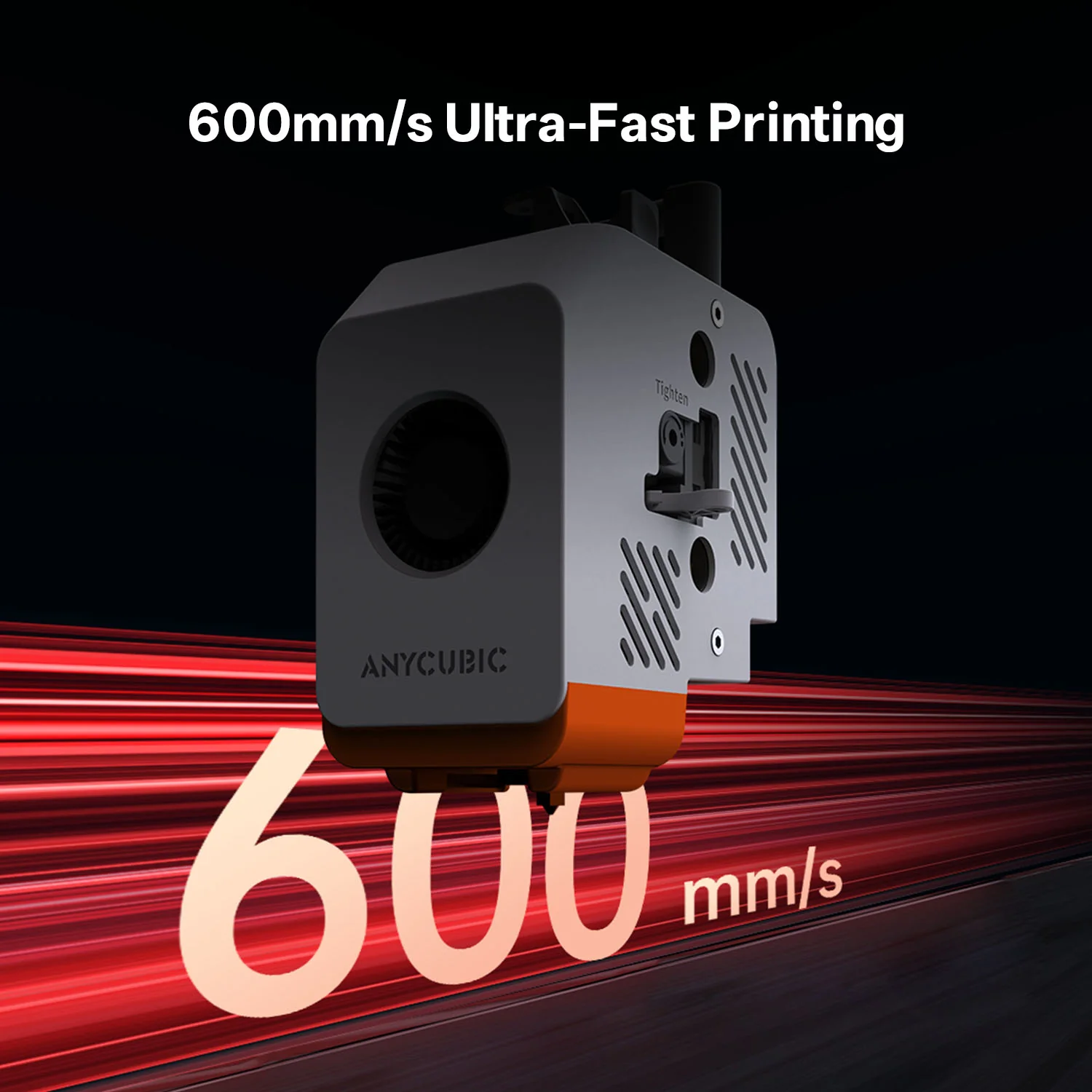
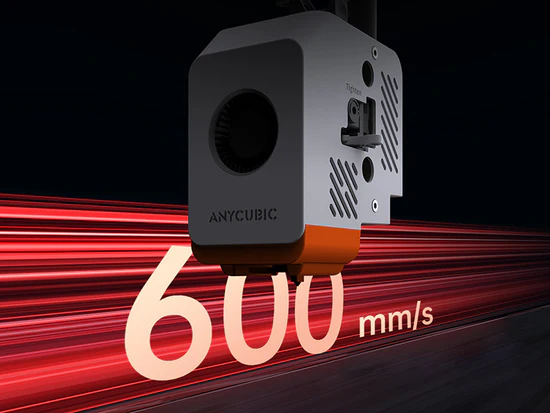
● Printing Speed Up to 600mm/s
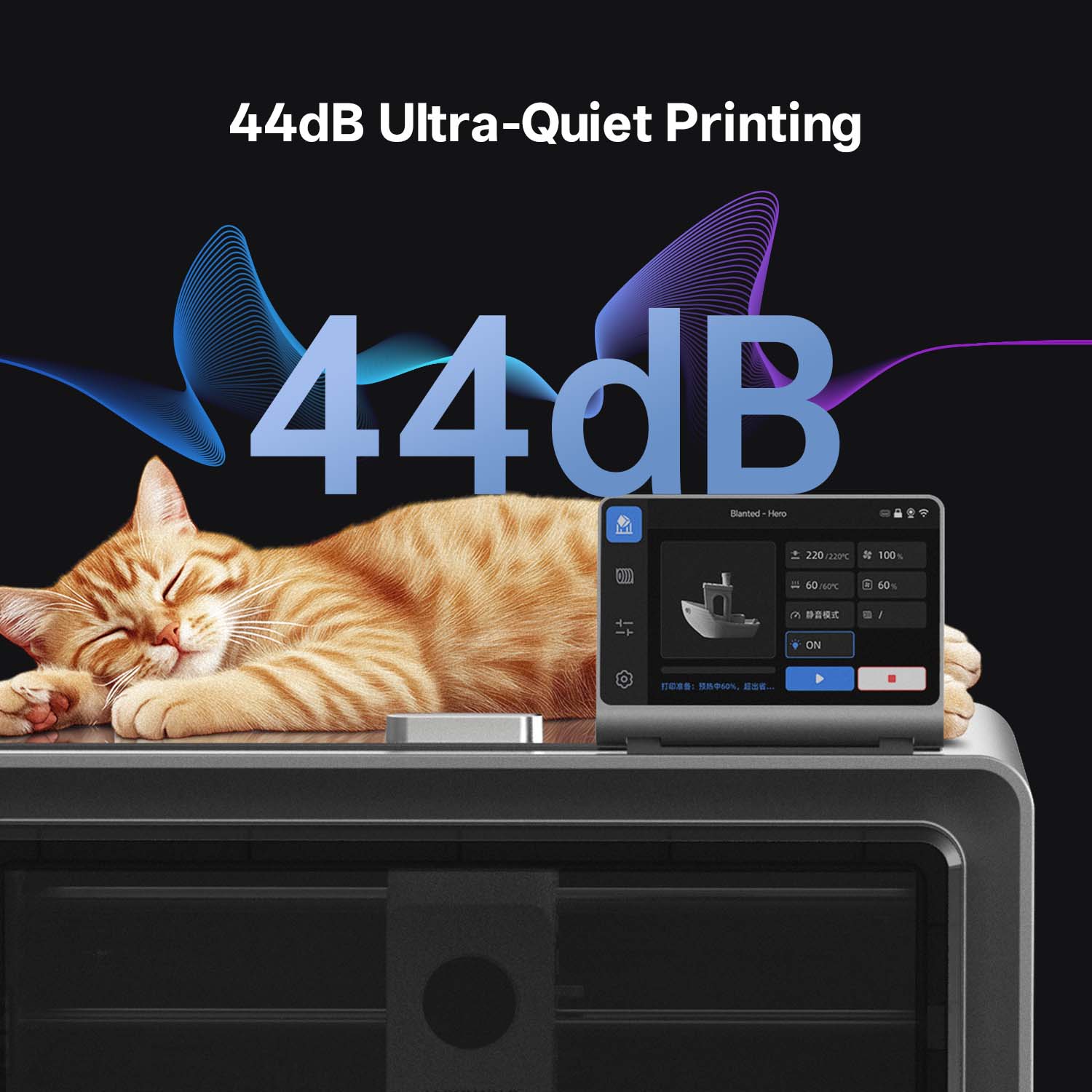
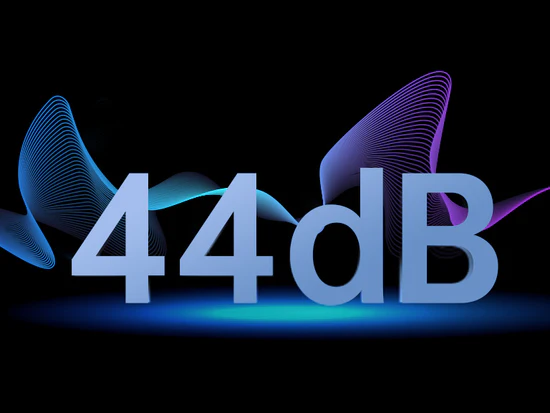
● 44dB Quiet Print Mode
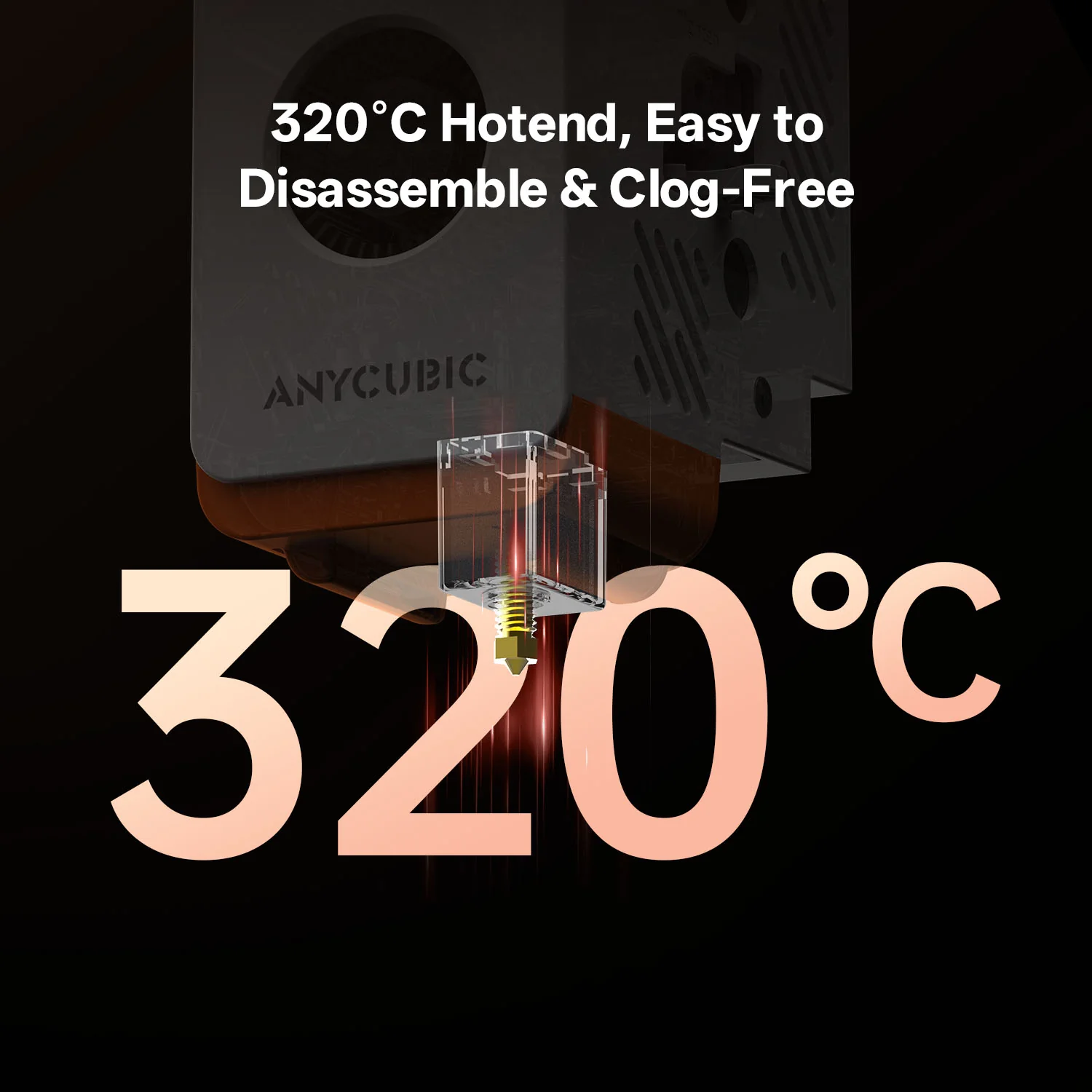
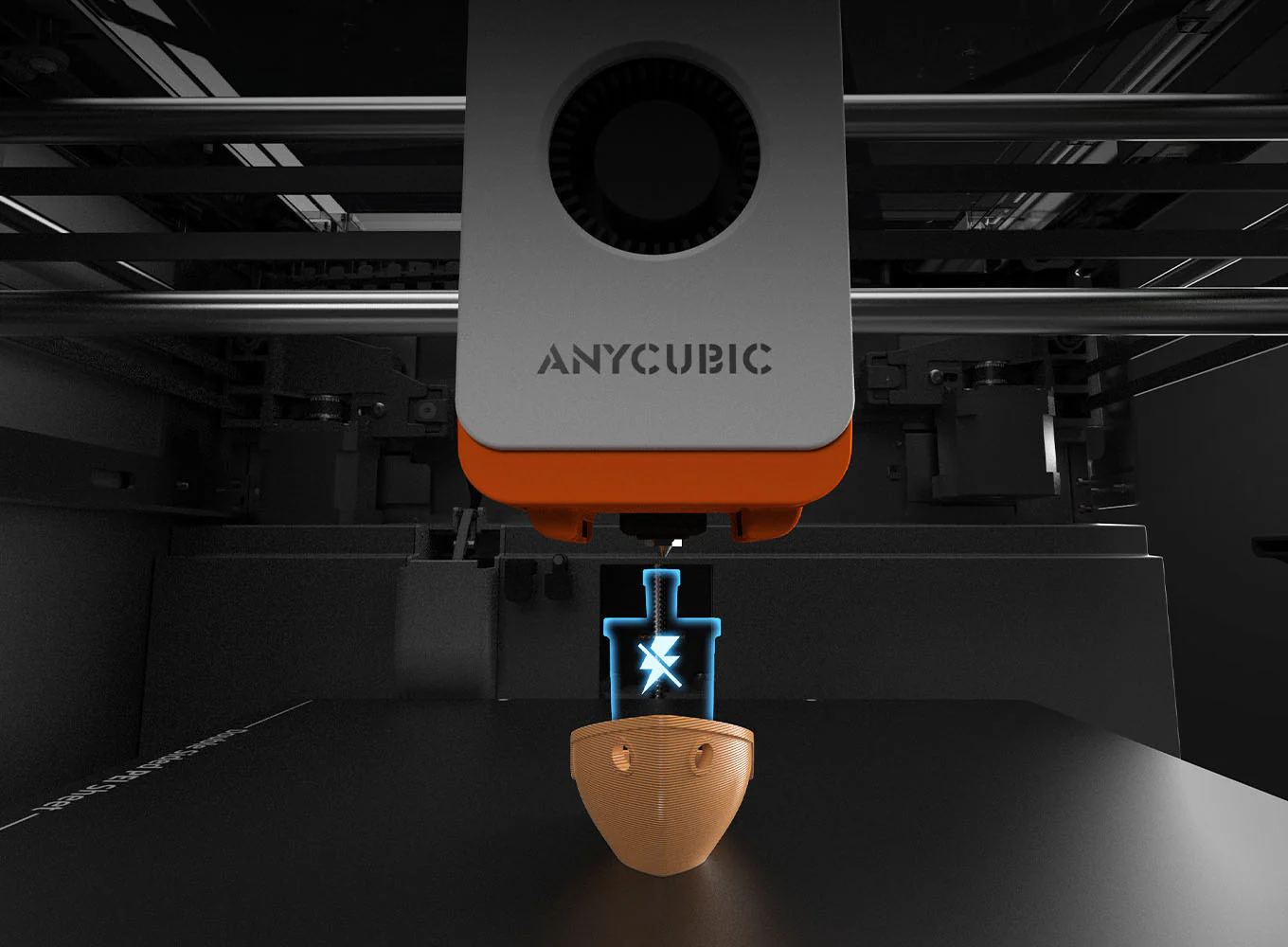
● 320℃ Hotend, Easy to Disassemble, Anti-Clogging
● Anycubic Slicer Next & Anycubic App Upgrade
Key features
- Enclosed CoreXY structure: The enclosed design provides a stable printing environment, crucial for printing with high-temperature filaments like ABS and ASA. It also helps contain noise and uses a more efficient CoreXY motion system for higher speeds.
- ACE Pro multi-filament system: When purchased as a combo, the printer comes with the ACE Pro, which enables multi-color printing with up to four filaments. An additional unit can expand this to eight colors.
- Filament drying: The ACE Pro actively dries filament at up to 55°C while printing, a key feature for maintaining the quality of moisture-sensitive materials like PETG.
- High-speed printing: The Kobra S1 can reach speeds of up to 600 mm/s, although a recommended print speed of 300 mm/s is optimal for the best quality.
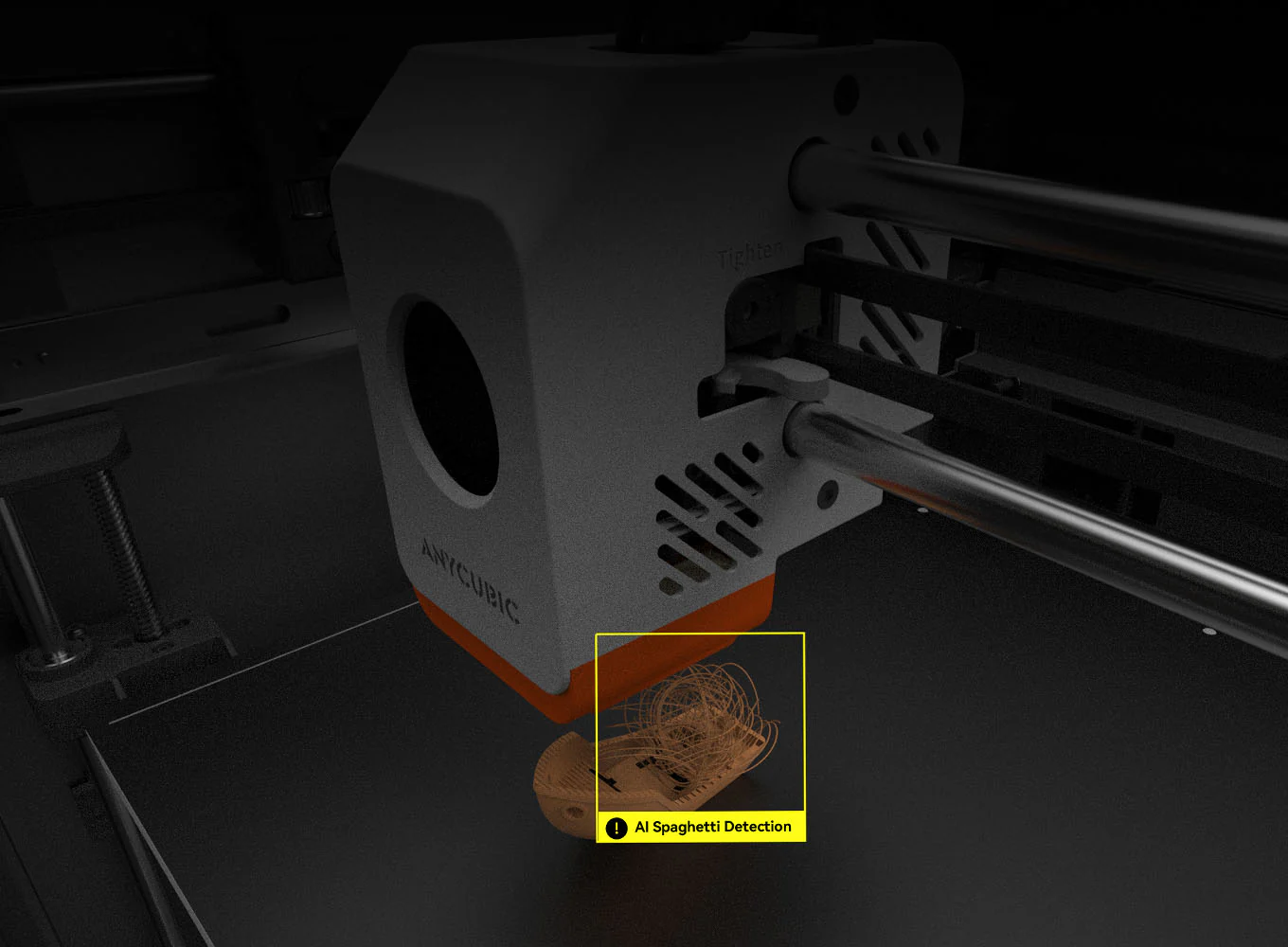
- AI-powered monitoring: An integrated camera and “spaghetti detector” use AI to monitor prints for common failures and automatically pause the job to prevent waste.
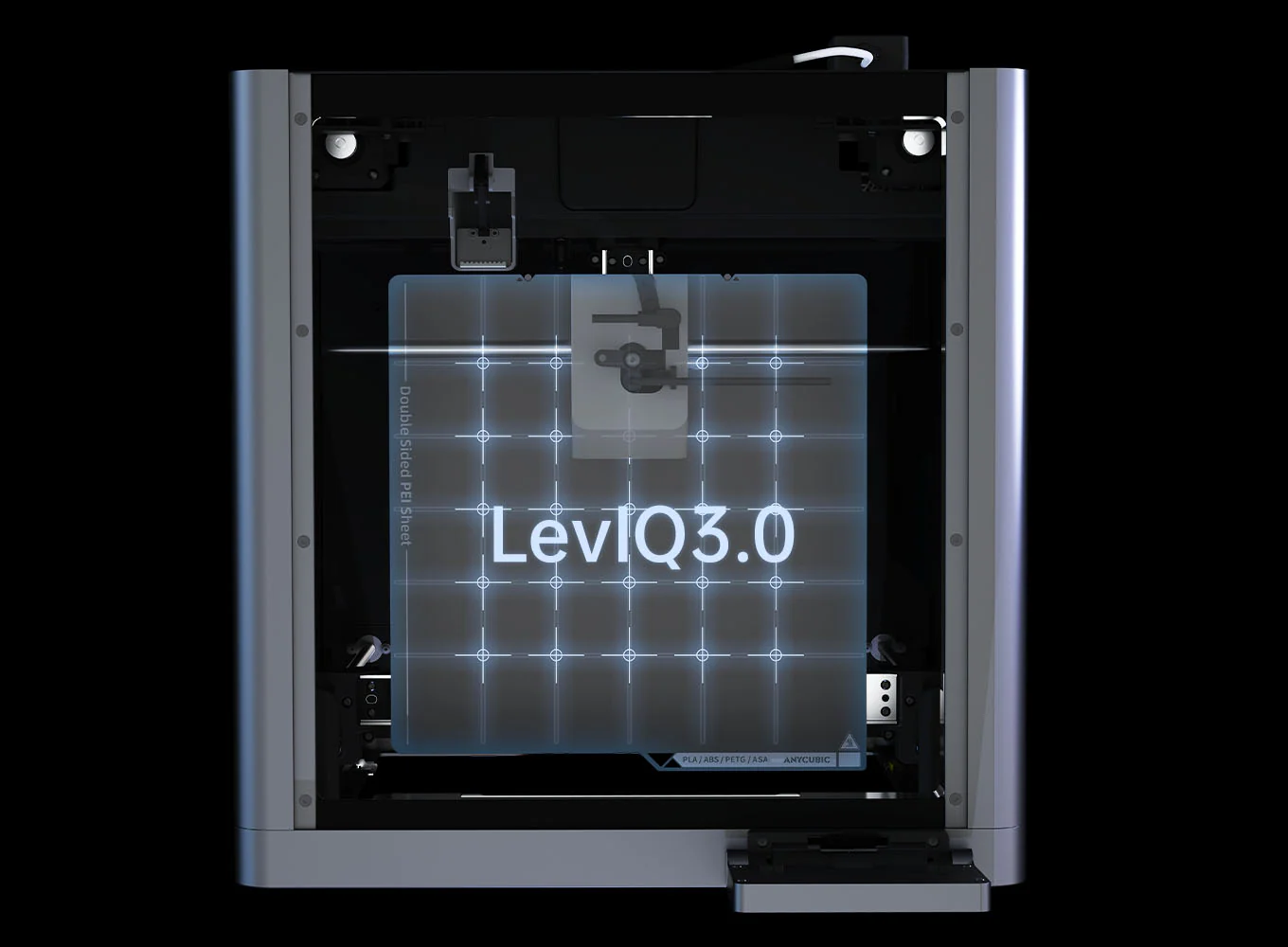
- LeviQ 3.0 auto-leveling: This automated system, along with smart Z-axis offset, ensures a consistent and high-quality first layer without manual calibration.
- User-friendly interface: The printer has an intuitive 4.3-inch rotatable touchscreen for easy controls. The companion Anycubic Slicer Next software is based on OrcaSlicer, making it familiar for many users.
- Seamless connectivity: You can control prints remotely and access an online model library via the Anycubic app and Wi-Fi connectivity.
Core advantages, clear at a glance
Strengths for beginners
- Simple setup: With a modular design and an automated calibration process, the Kobra S1 can be unboxed and ready for its first print in as little as 15 minutes.
- Reliable performance: The AI detection, auto-leveling, and filament runout sensor significantly reduce the chance of print failures, creating a more reliable “just works” experience.
- All-in-one package: The combo version offers multi-color printing and integrated filament drying without needing advanced user knowledge.
Anycubic Kobra S1 Combo
Considerations for advanced users
- Software limitations: The Anycubic Slicer can be restrictive, particularly with managing multi-color printing. Unlike competitors, it lacks fine control over purging settings, which can lead to significant filament waste.
- Excessive purge waste: While the ACE Pro produces high-quality multi-color prints, the filament-changing process generates a substantial amount of purge waste. This is less of an issue for multi-object printing but can be a drawback for single-part jobs.
- Proprietary parts: Anycubic uses proprietary components for the hotend and nozzle system, which limits customization options for hobbyists who prefer to tinker with their hardware.
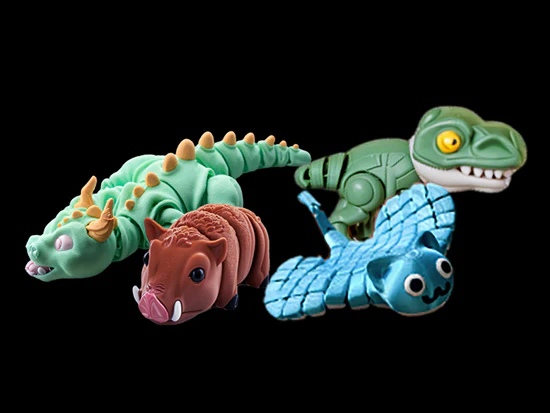
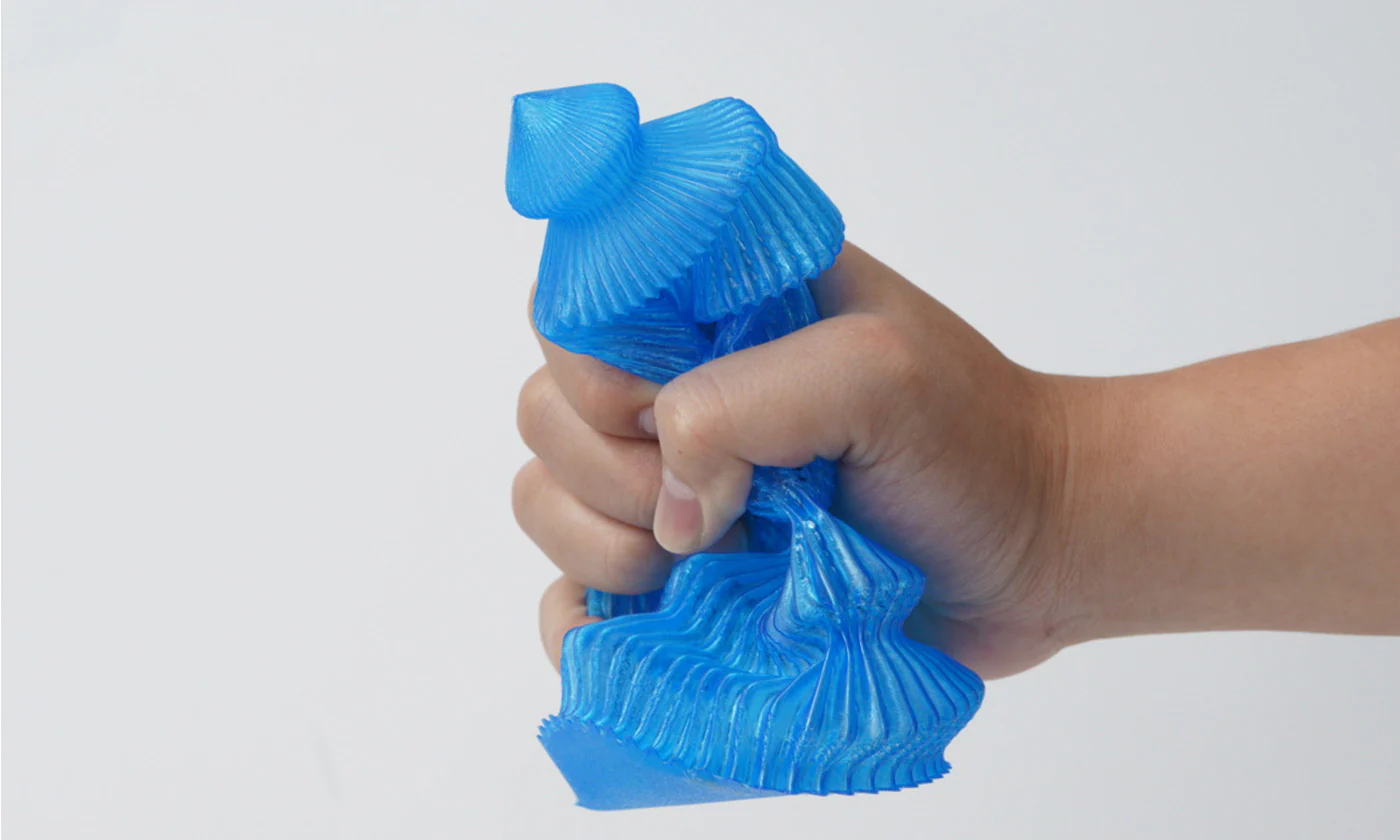
Kobra S1 Printed Collection Debuts at London Fashion Week



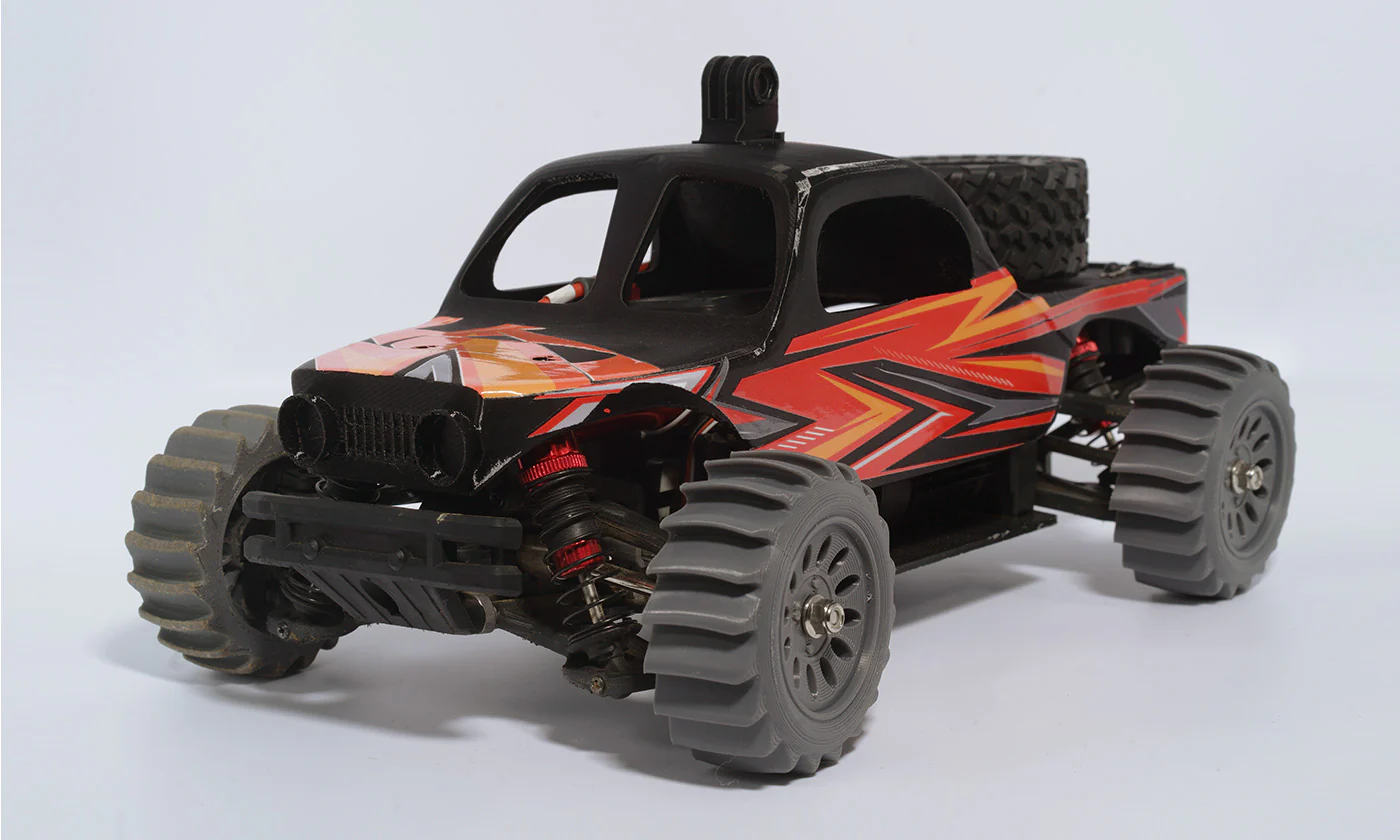
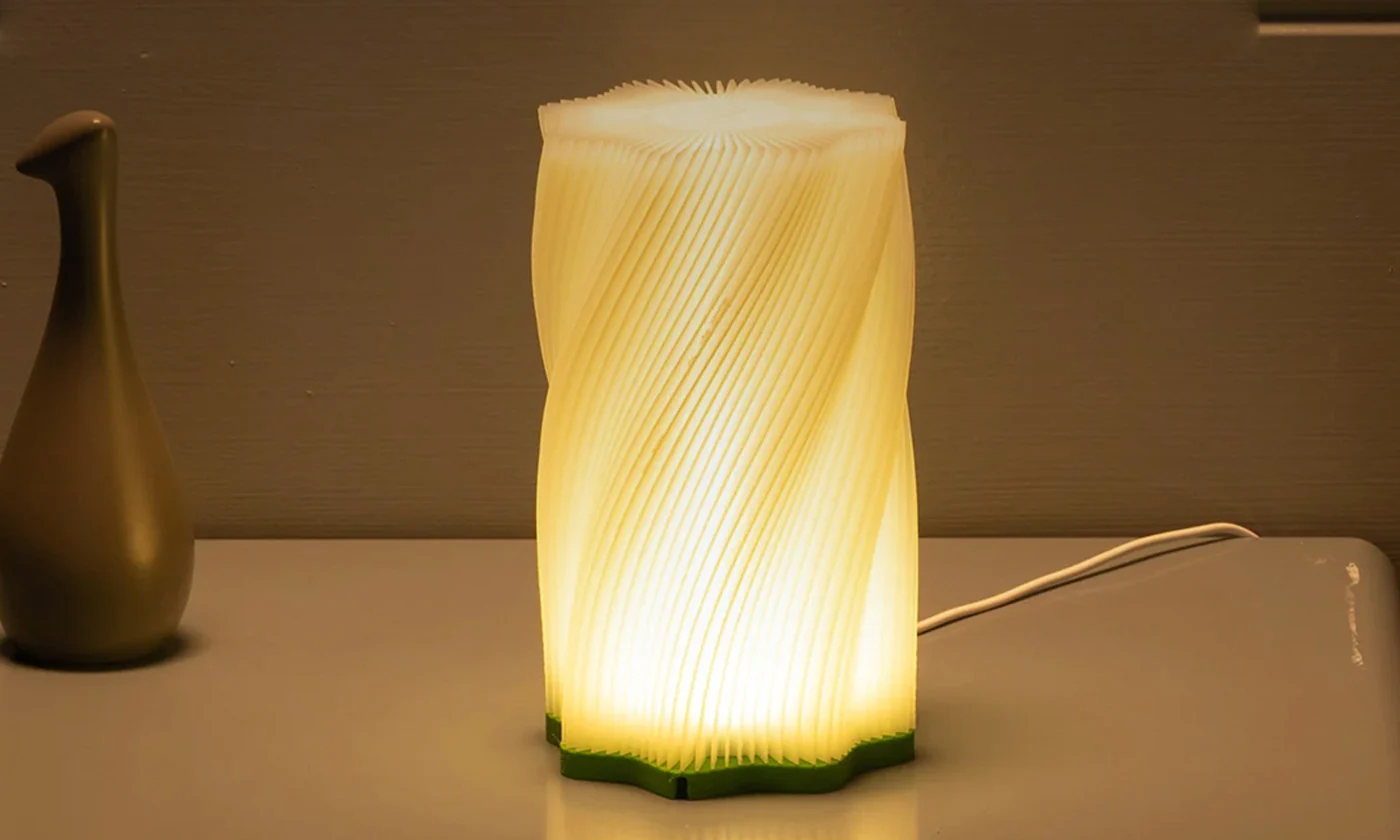
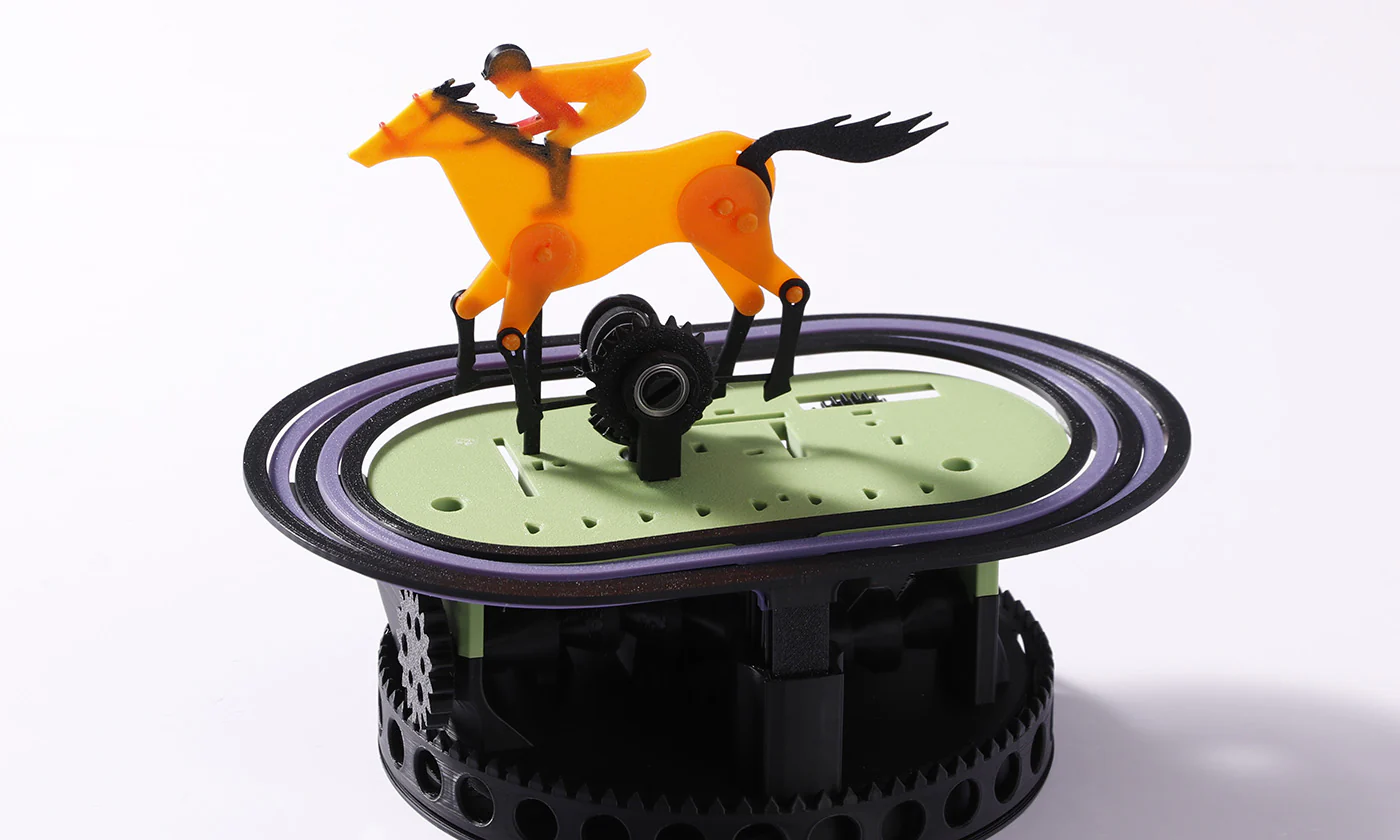
Master of Mainstream Materials
Superior Doesn’t Even Begin to Describe it
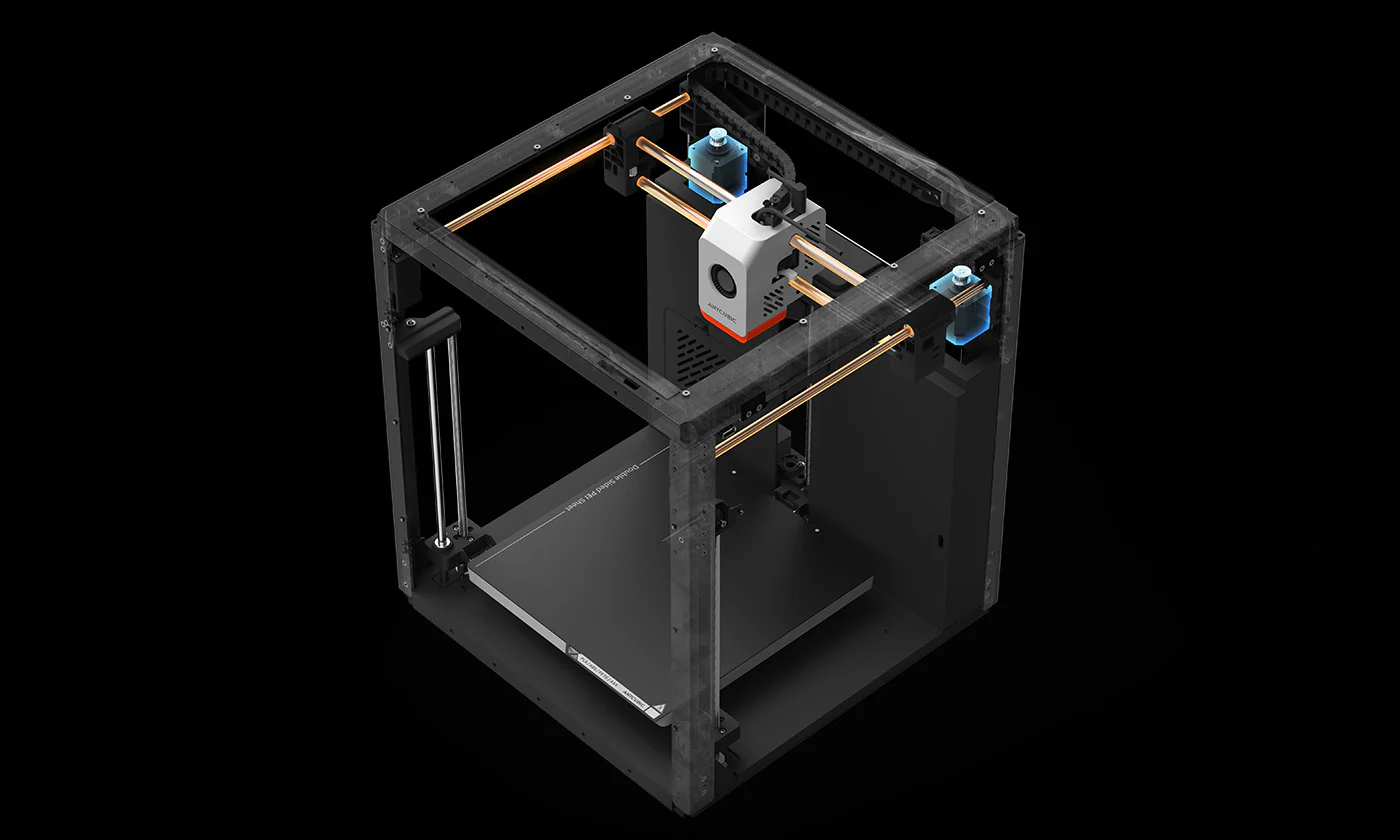
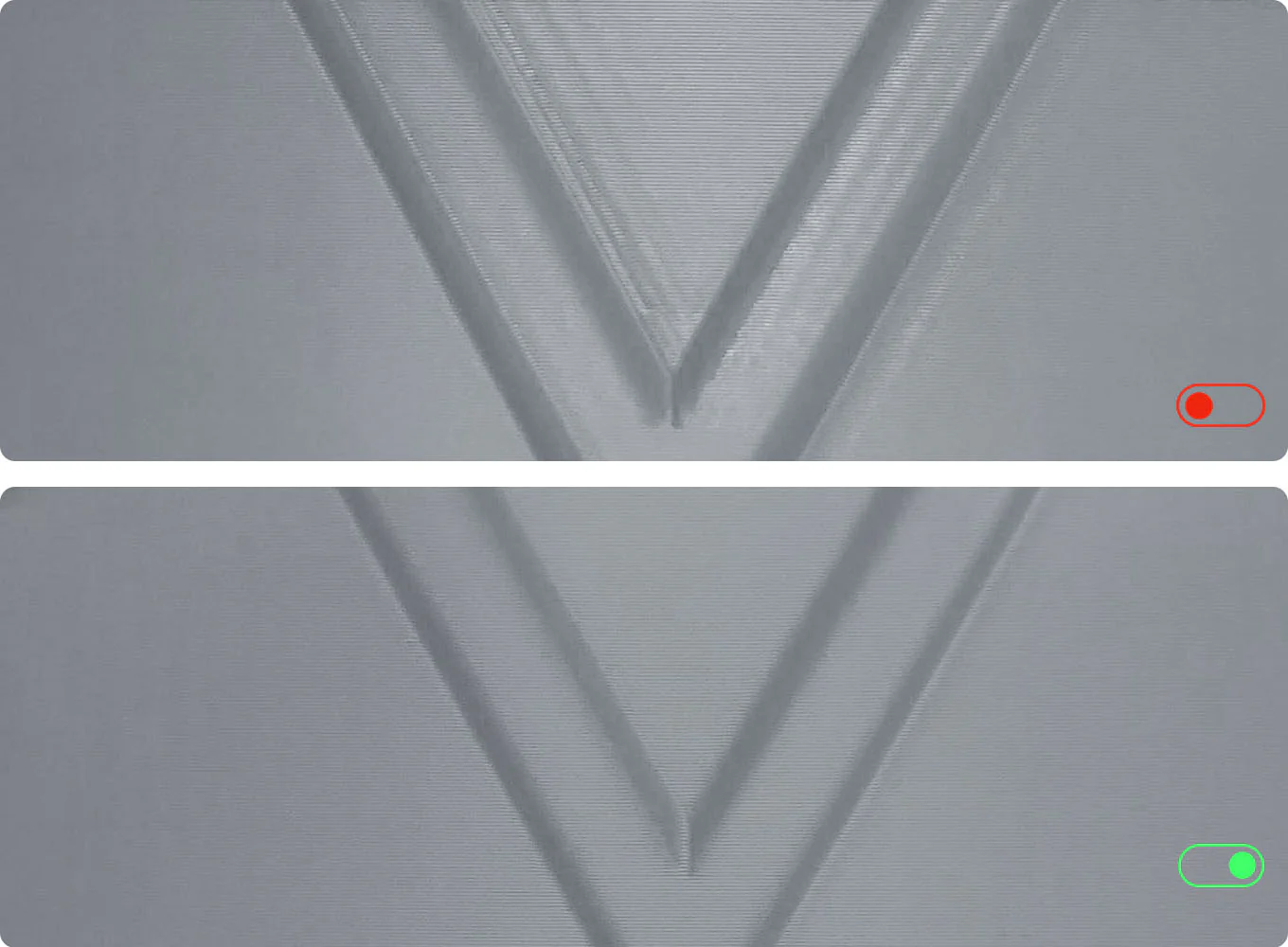
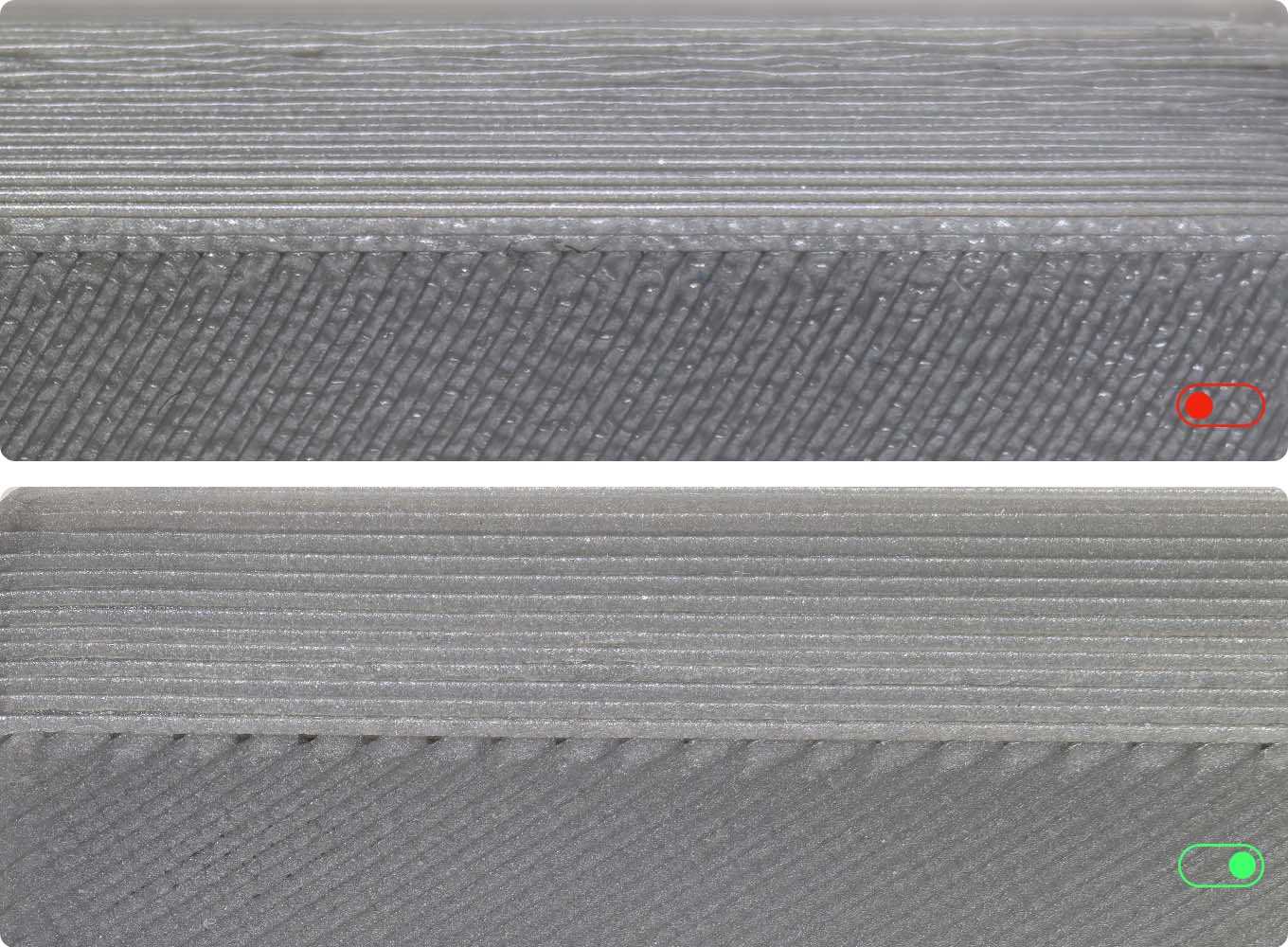
Complete Benchy in 15mins
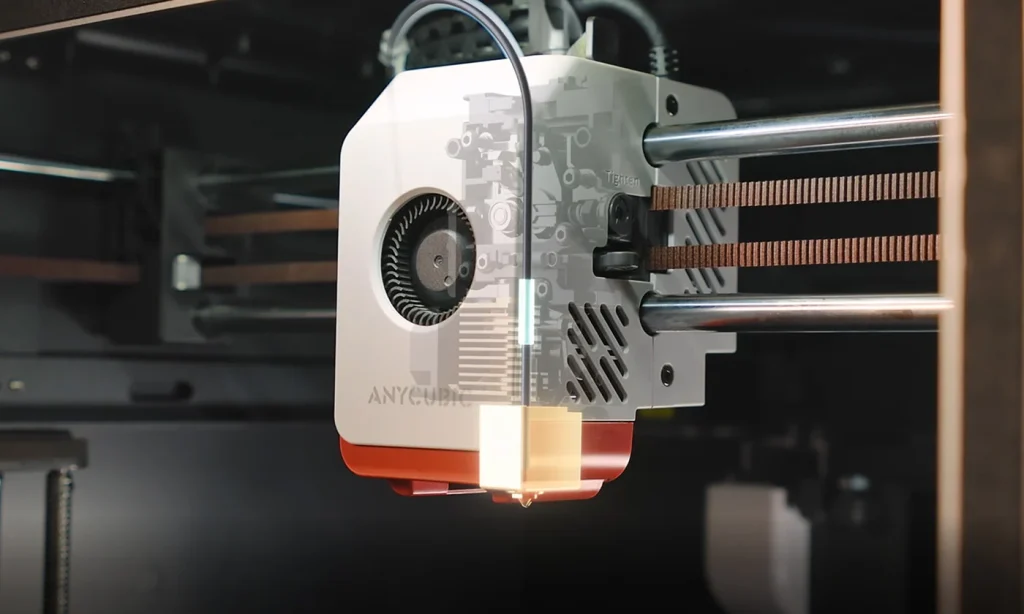
-320℃ Tools-Free Quick-Release Hotend
-Aerospace-Grade Ceramic Composite Throat Tube
Maximum Heat Resistance
Low-Friction Surface
-It comes standard with 0.4mm hotend, and supports 0.6mm/0.8mm hotends.
4 Intuitive Designs
-Standard Print Mode as Low as 46dB
Quiet Print Mode as Low as 44dB③
-Unbox & Start Printing in 15mins
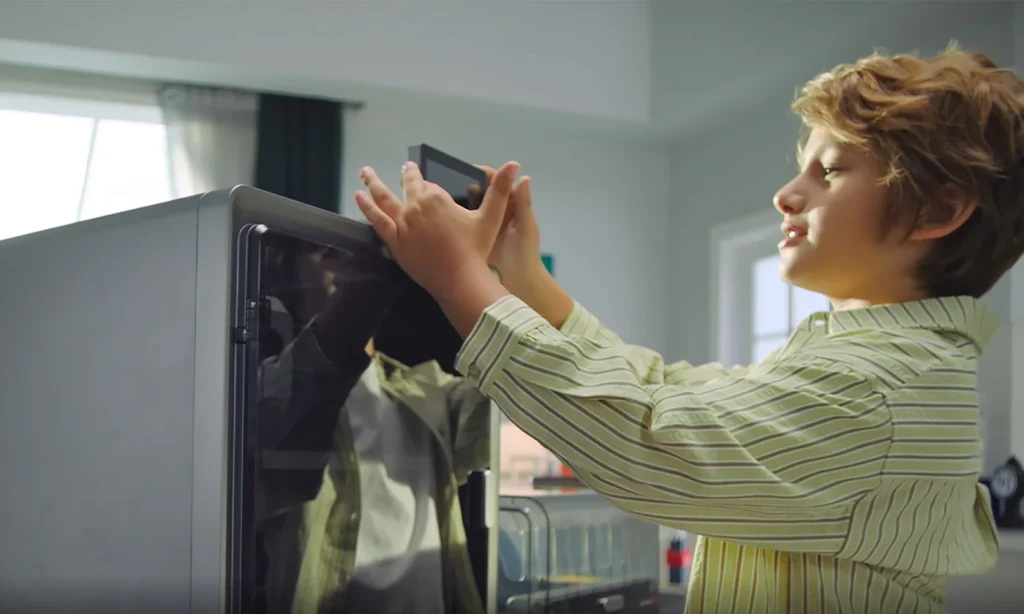
-4.3” Adjustable Touchscreen
-Cleaning Channel Cut-Out
Rest Assured, You’re in Good Hands
Anycubic Slicer Next
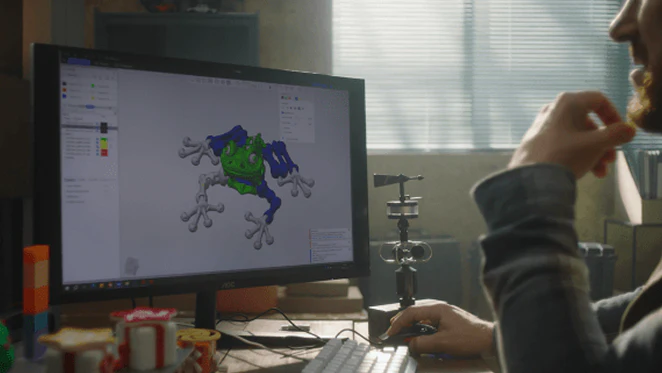
Anycubic Slicer Next is built upon the open-source software Orca, tailored and optimized specifically for Anycubic printers. It incorporates advanced algorithms refined from various open-source iterations to elevate slicing precision and enhance the overall print quality of models.
Anycubic App
A mobile app specially designed for Anycubic printers, including remote control, remote monitoring, real-time printing records and other intelligent functions.
Specifications
| Core Printing Performance | |||
| Multicolor Printing Sold separately | Printing Volume 250*250*250mm | Supporting Filaments PLA, PETG, TPU, ABS, ASA | Printing Speed Recommended 300 mm/s, Maximum 600 mm/s |
| Acceleration Recommended 10,000 mm/s², Maximum 20,000 mm/s² | Nozzle Specs Max Temperature 320°C, Diameter Standard 0.4 mm, expandable to 0.6 / 0.8 mm | Hotbed Specs Max Temperature 120°C, Material PEI spring steel build plate | |
| System & Mechanical Design | |||
| Firmware Solution Kobra OS | Construction CoreXY | Extrusion Type Short distance extrusion | Machine Leveling LeviQ3.0 Auto-leveling, Z-Offset |
| Pressure Advance / Flow Calibration Supported | Power Loss Resume Supported | Filament Detection & Auto Resume Supported | Filament Entanglement Detection Supported |
| AI Spaghetti Detection Supported | Object-Skip & Area Leveling Supported | Control & Print Methods Via printer, slicing software, Anycubic APP, USB (print only) | |
| User Experience & Features | |||
| Touchscreen 4.3-inch capacitive touch screen | Noise ≤46dB (Standard mode); ≤44dB (Quiet mode) | Video Monitoring Standard HD camera, supports 480P | Multilingual Support EN / CN / DE / FR / IT / ES / RU / JP / KO |
| Machine Weight 9.37kg | Package Weight 20.2kg | Machine Dimensions 400*410*490mm | Package dimensions 490*484*573mm |
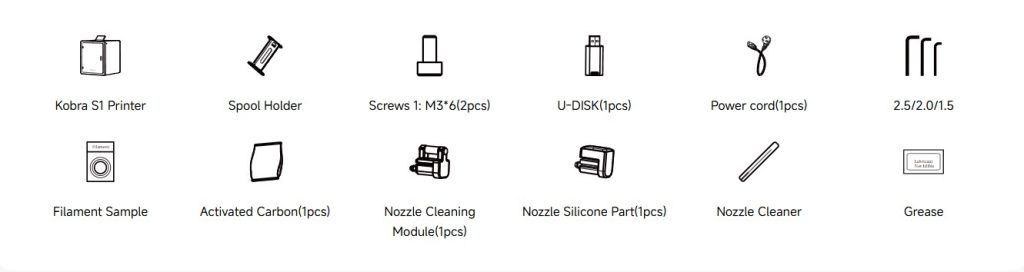
What’s In Box
Kobra S1 Series Tech Specs
| Anycubic Kobra S1 | Anycubic Kobra S1 Combo | |
| Core Printing Performance | ||
| Multicolor Printing | Sold separately | Kobra OS |
| Printing Volume | 250*250*250mm | CoreXY |
| Supporting Filaments | PLA, PETG, TPU, ABS, ASA | Short distance extrusion |
| Printing Speed | Recommended 300 mm/s, Maximum 600 mm/s | Linear rod |
| Acceleration | Recommended 10,000 mm/s², Maximum 20,000 mm/s² | Linear rod |
| Nozzle Specs | Max Temperature 320°C, Diameter Standard 0.4 mm, expandable to 0.6 / 0.8 mm | Single motor with three guide poles |
| Hotbed Specs | Max Temperature 120°C, Material PEI spring steel build plate | LeviQ3.0 Auto-leveling, Z-Offset |
| System & Mechanical Design | ||
| Firmware Solution | Kobra OS | – |
| Construction | CoreXY | – |
| Extrusion Type | Short distance extrusion | – |
| Motion System X-axis | Linear rod | – |
| Motion System Y-axis | Linear rod | – |
| Motion System Z-axis | Single motor with three guide poles | – |
| Machine Leveling | LeviQ3.0 Auto-leveling, Z-Offset | – |
| Pressure Advance / Flow Calibration | Supported | – |
| Power Loss Resume | Supported | – |
| Filament Detection & Auto Resume | Supported | – |
| Filament Entanglement Detection | Supported | – |
| AI Spaghetti Detection | Supported | – |
| Object-Skip & Area Leveling | Supported | – |
| Control & Print Methods | Via printer, slicing software, Anycubic APP, USB (print only) | – |
| User Experience & Features | ||
| Touchscreen | 4.3-inch capacitive touch screen | – |
| Noise | ≤46dB (Standard mode); ≤44dB (Quiet mode) | – |
| Video Monitoring | Standard HD camera, supports 480P | – |
| Multilingual Support | EN / CN / DE / FR / IT / ES / RU / JP / KO | – |
| Machine Weight | 9.37kg | – |
| Package Weight | 20.2kg | – |
| Machine Dimensions | 400*410*490mm | – |
| Package dimensions | 490*484*573mm | – |
FAQs
What filament types does the Kobra S1 support?
It prints PLA, PETG, TPU (95A), ABS, and ASA. It’s also capable of handling high-temperature materials like PC, PA, carbon fiber, and glass fiber.
What are the print speed and acceleration specs?
The recommended printing speed is 300 mm/s, with a maximum of 600 mm/s and acceleration up to 20,000 mm/s².
What’s the print volume?
It offers a build volume of 250 × 250 × 250 mm.
Is it suitable for multi-color printing?
With ACE Pro (up to two units), the Kobra S1 can support 8-color multi-color printing.
What maintenance should users be aware of when handling the hotend?
Ensure filament has fully cooled before removing or cleaning the hotend—otherwise molten plastic may be pulled into the throat and cause blockages.
