 Skip to content
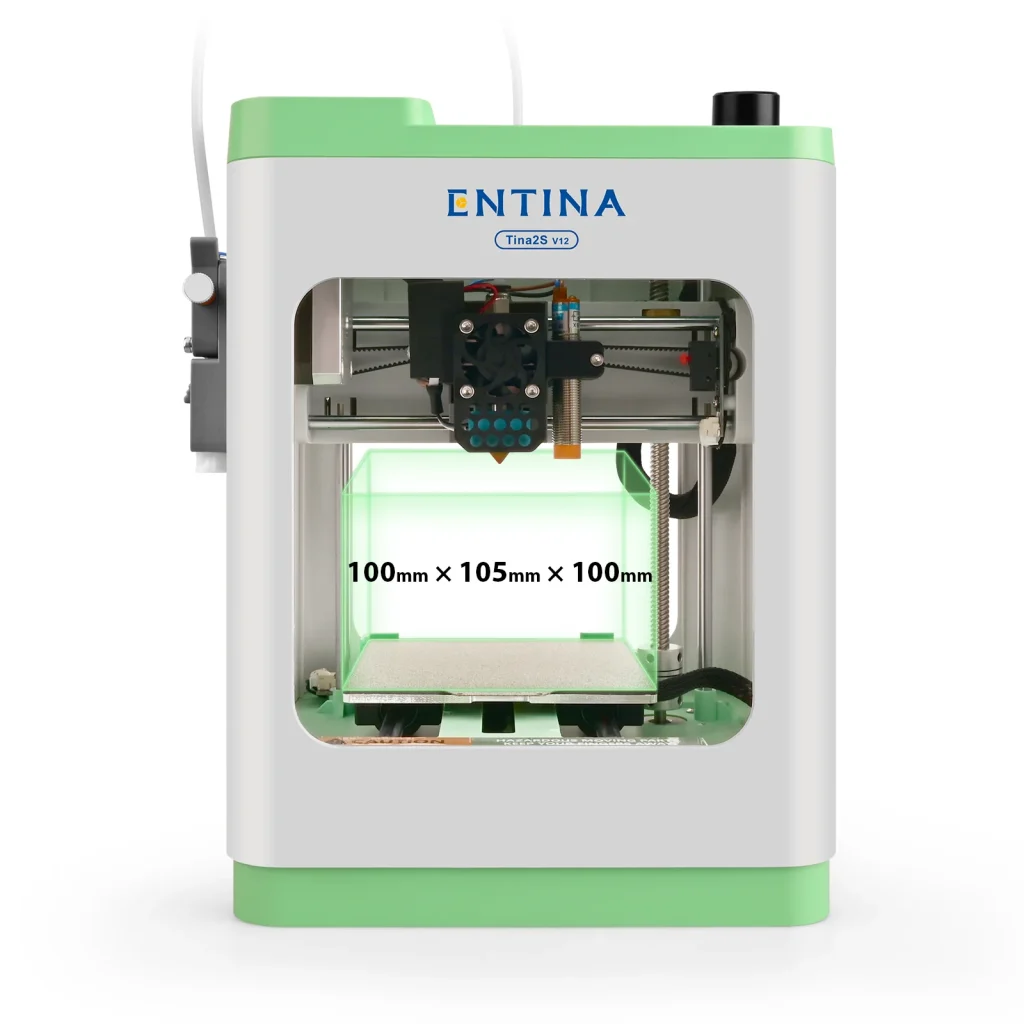
• WiFi | TF Card | USB | Fully Assembled | Unbox & Print
• Multiple Ways Via APP/USB/Wii builder Slicing Software
• FDM 3D Printer Built-in Auto Leveling System
• 0.04mm Precision, Print Speed Up to 200 mm/s
• 5 Times Faster File Transfer Speed
• Built-in LED Light, 50dB Ultra-Quiet Printing
• Entry-Level For STEM Education
The Entina Tina2S V12 3D printer – a compact, beginner-friendly machine with auto-leveling, WiFi printing, and reliable PLA/TPU performance.
Related internal pages:
- weedo-tina2s-3d-printer-review/
- anycubic-high-speed-pla-filament/
- anycubic-kobra-2-neo-3d-printer-review/
- anycubic-pla-filament/
- ultimaker-s8-3d-printer/
Features & Benefits
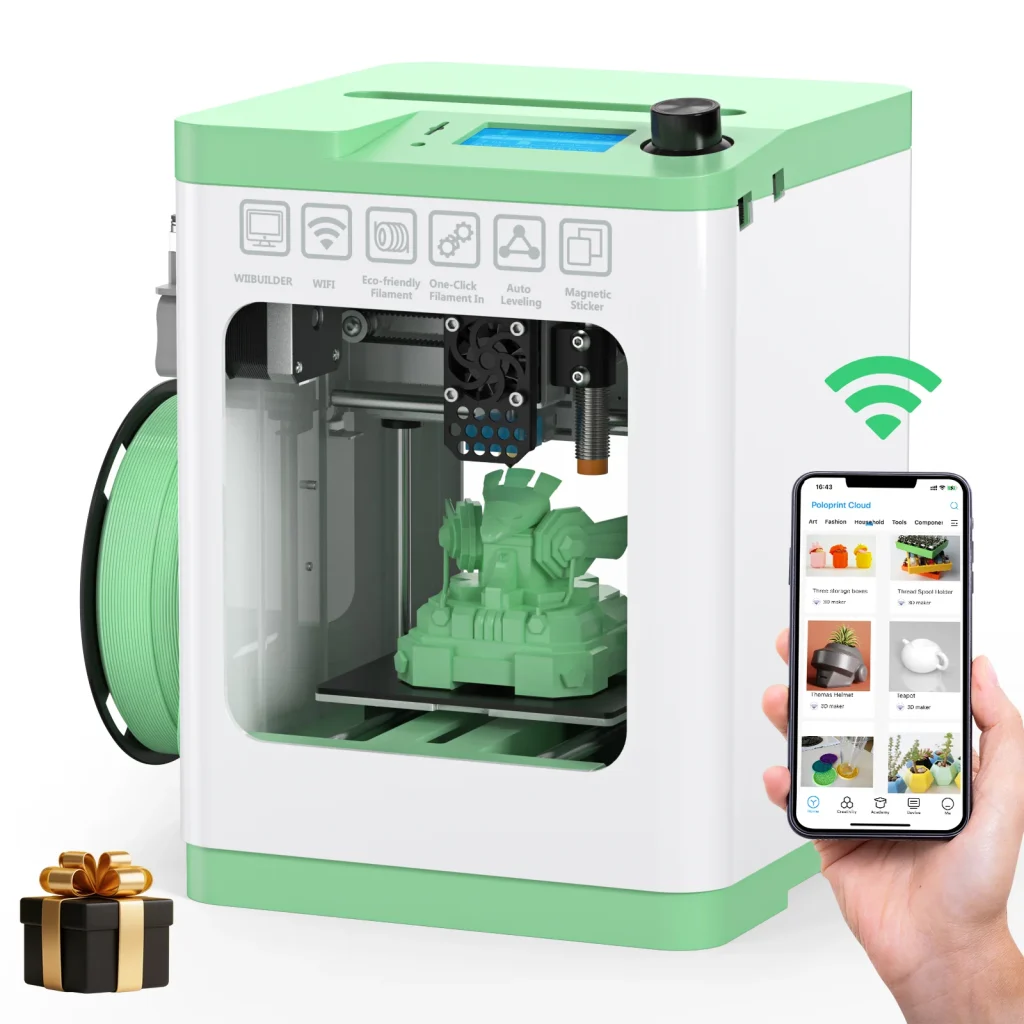
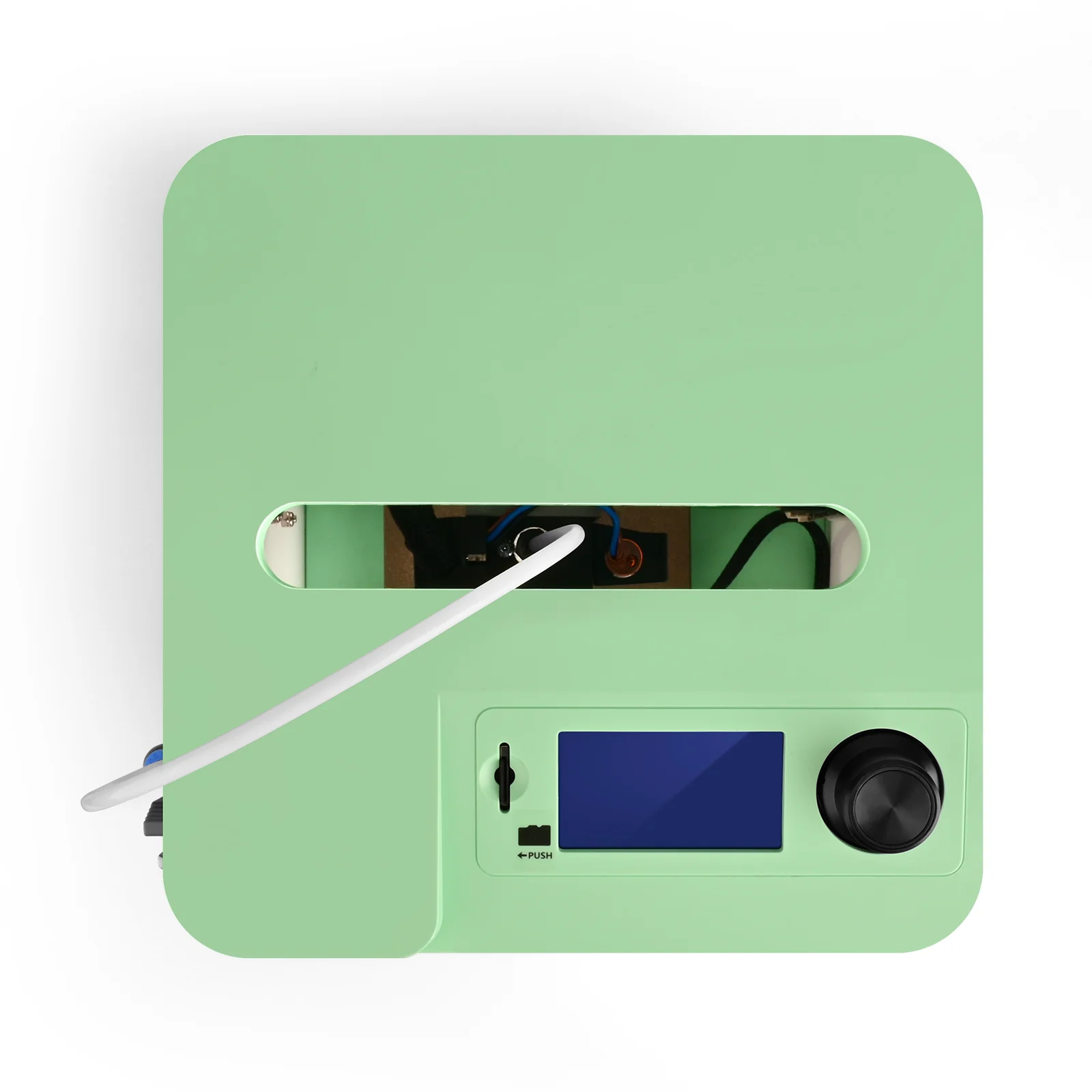
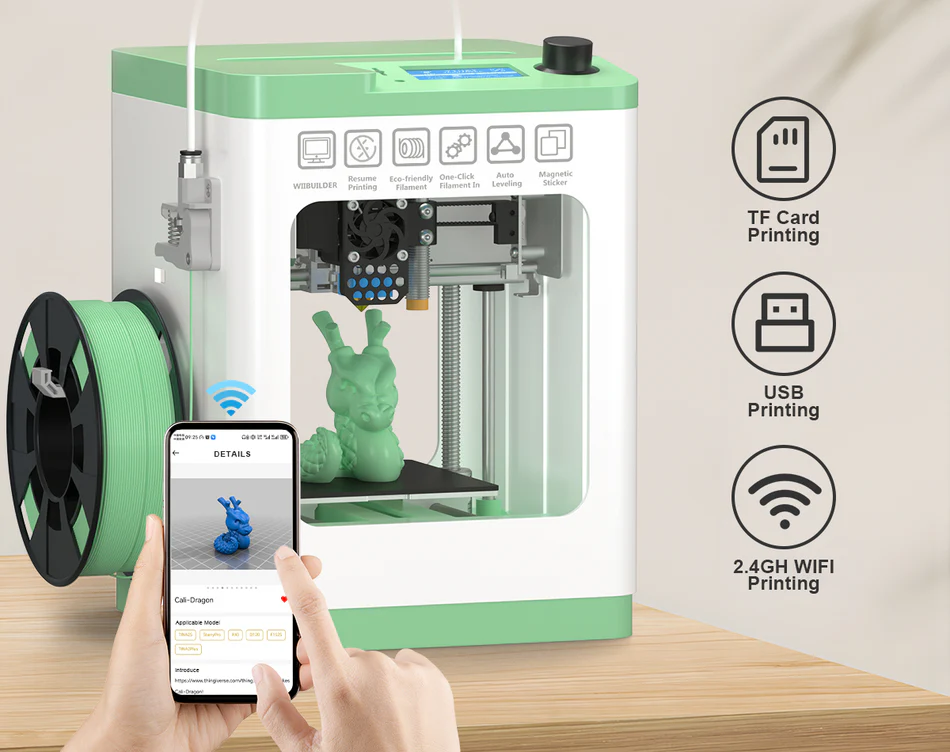
- Mini 3D Printers: Entina TINA2S Mini 3D Printer – Perfect for beginners and kids. This compact, fully assembled printer works straight out of the box, with no complex setup required. Includes an SD card and app preloaded with multiple models. This makes it easy to start printing right away and enjoy a seamless entry-level 3D printing experience.
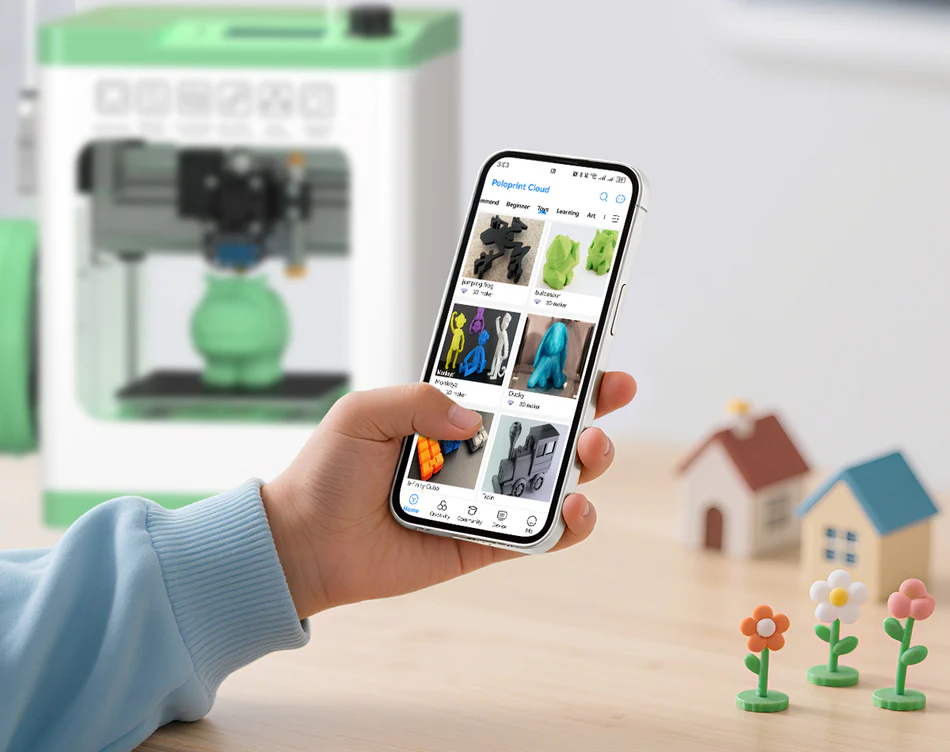
- Intelligent and user-friendly: Featuring a newly developed app with an extensive model library, the printer enables accurate one-click control. Print at your own pace using multiple options—APP, USB, or Wiibuilder. The system is fully open-source and works seamlessly with popular slicing software like Cura, Simplify3D, and Slic3r.
- Automatic Leveling & Heated Platform: This compact 3D printer features a built-in automatic leveling system. It eliminates the need for manual calibration, ensuring consistent print success. Its flexible, removable spring-steel build plate minimizes warping and makes print removal and platform cleaning quick and easy.
- Humanized design: A built-in LED light lets you easily observe the printing process.
- You can monitor the printer’s status at any time. The quick-change test nozzle prevents clogs and simplifies the replacement of accessories. The dual Z-axis guide design ensures smooth, stable movement throughout every print.
- Upgraded wifi printing: An upgraded wifi module delivers up to five times faster and more stable file transfers. This ensures a smoother, more reliable 3D printing experience.
- With its convenient one-click networking via the PP local app, you can connect instantly and skip tedious network setup.
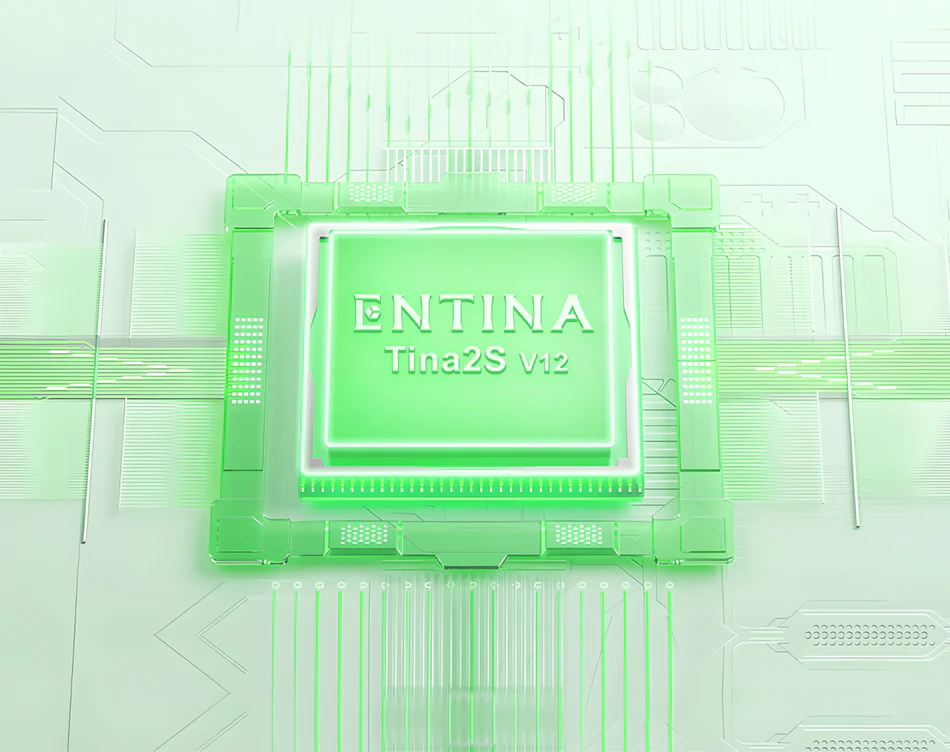
- Ultra-quiet printing environment: A full-silent motherboard creates a quiet printing environment for your home. The upgraded cooling fan includes a convenient silent-mode switch. Its high-speed setting enhances molding performance and print quality, reducing wear on components and extending the printer’s lifespan.
Entina TINA2S
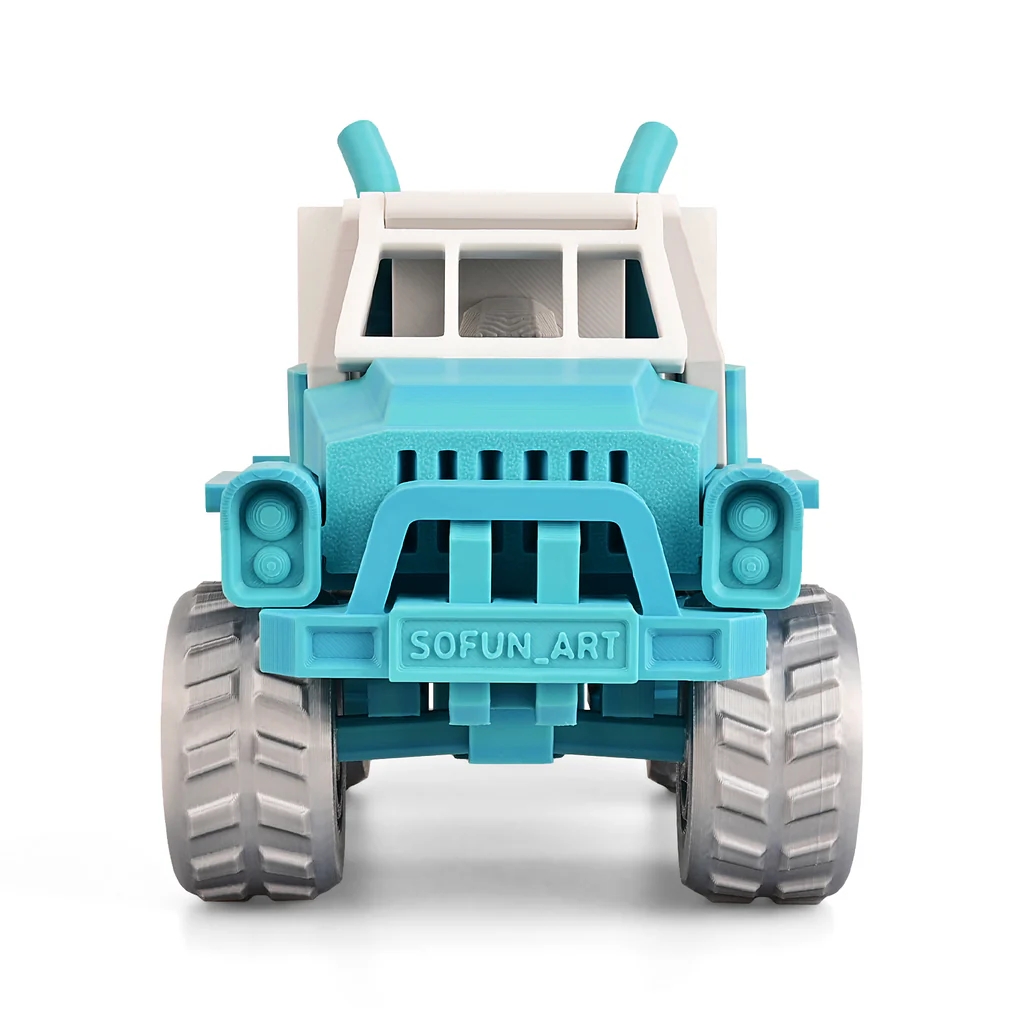
In our performance tests, the Entina TINA2S V12 handled standard benchmark prints—such as calibration cubes, overhangs, bridging, and fine-detail models—with reliable consistency for an entry-level machine. Print quality remains sharp at moderate speeds.
Pushing faster settings reveals the usual trade-off between speed and surface finish.
It performs well with PLA and PETG and can handle softer materials like TPU with some tuning. Consequently, during extended print runs, layer alignment stays stable.
There is minimal shifting or drift.
Noise levels are low, thanks to the silent board, and vibration is well-controlled for a compact printer, resulting in smooth and accurate prints.
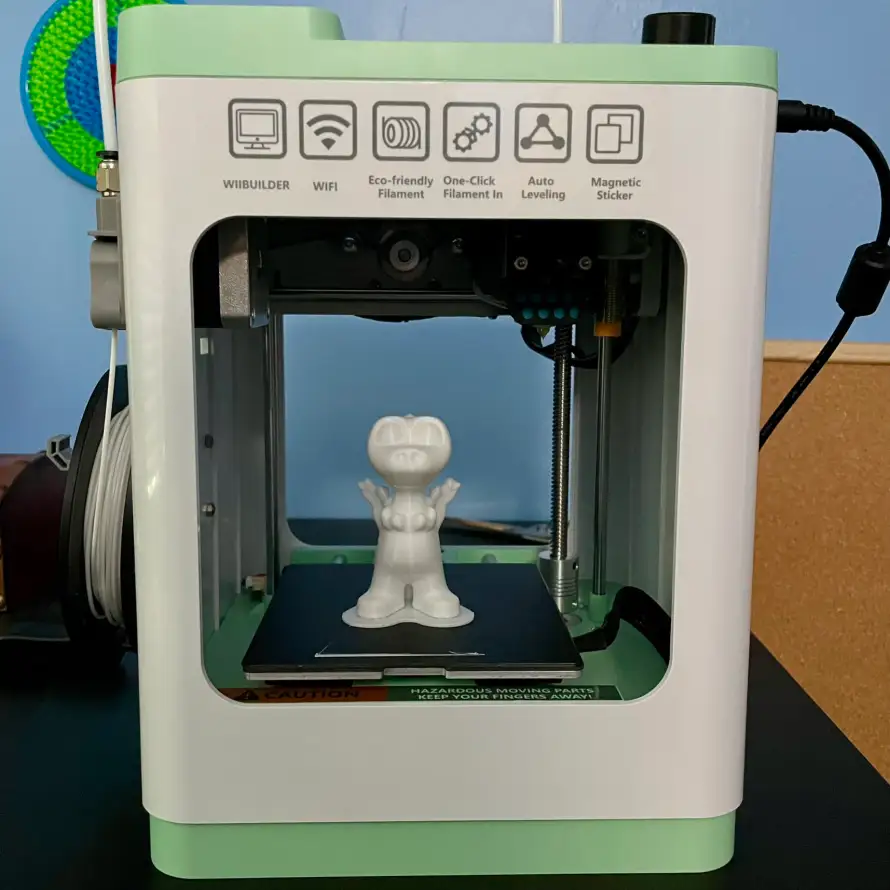
The Tina2S V12 is excellent for beginners.
It could benefit from a sturdier frame, stronger and more precise cooling, and multiple nozzle size options for added flexibility.
Enhanced firmware controls, more reliable app connectivity, and smoother remote monitoring would improve usability. Upgrades include an all-metal hotend and a dual-gear extruder. Improved cooling fans and ducts enhance print performance. Reinforced bed supports and vibration-damping feet increase stability and reliability.
The Tina2S V12 succeeds as a beginner-friendly, compact, and affordable 3D printer. Its strengths lie in ease of use, fully assembled setup, auto-leveling, silent operation, and convenient app/cloud printing. For hobbyists, students, or parents seeking a safe entry-level printer for kids, it delivers reliable PLA/TPU performance in a compact footprint.
FAQs
What is the build volume of the Tina2S V12?
The build volume is 100 × 105 × 100 mm according to the official manual.
Which filaments/materials does it support?
It supports PLA, PLA+, TPU, and other standard materials. More advanced/higher-temperature filaments (ABS, Nylon) may be limited due to their heated bed and lack of enclosure.
What is the maximum print speed?
It is rated for speeds up to ~120 mm/s, with some marketing claims going as high as 200 mm/s.
Does the Tina2S V12 have auto bed leveling?
Yes — it features a 9-point auto bed leveling system per the manual.
What is the maximum hotend temperature and bed temperature?
Although the hotend reaches temperatures well-suited for PLA and similar filaments, the heated bed, on the other hand, maxes out at around 60 °C. This level is generally sufficient for PLA; however, it falls short for ABS or many engineering plastics that demand higher stability.
What are the connectivity options (USB, WiFi, etc.)?
The Tina2S supports WiFi/cloud printing, USB/SD card, and app/cloud control.
How big / how heavy is the printer?
The product dimensions are approximately 8.3″ × 8.3″ × 11.3″ (≈ 21 × 21 × 29 cm), and it weighs about 6.6 lb (~3 kg).
How precise is the layering / resolution?
It supports layer heights from 0.1 mm up to 0.4 mm. As with most FDM printers, achieving excellent detail at the lowest layer height pushes the hardware limits.
Can I replace the nozzle with different sizes?
While not always explicitly stated in the specifications, many printers in this class allow nozzle swaps (e.g., 0.2 mm, 0.4 mm, 0.6 mm, 0.8 mm). If Tina2S uses a standard nozzle mount, you can likely upgrade to trade off between detail and speed. (This is more a user-upgrade possibility than a documented feature.)
What are the main limitations or drawbacks?
The small build volume limits the size of your prints.
Heated bed only ~60 °C — not enough for firm adhesion of ABS, Nylon, etc.
No enclosure means ambient temperature fluctuations can affect print quality.
Firmware, app, and cloud control may have reliability issues compared to mature ecosystems.
Cooling and overhang handling might be weaker than in more premium machines.
