 Skip to content
How Long Does a 3D Print Take?
3D printing is an exciting process, but one of the first questions beginners ask is simple: how long does a 3D print actually take?
The answer depends on several factors, including the size of the object, the printer settings, and the type of printer being used. Some small prints may take less than an hour, while larger or more detailed prints can take many hours or even multiple days.
Understanding what affects printing time helps users plan their projects better and avoid surprises during long prints.
The Short Answer
A typical 3D print can take anywhere from 30 minutes to several hours. Larger prints or highly detailed objects may take 12 to 24 hours or longer.
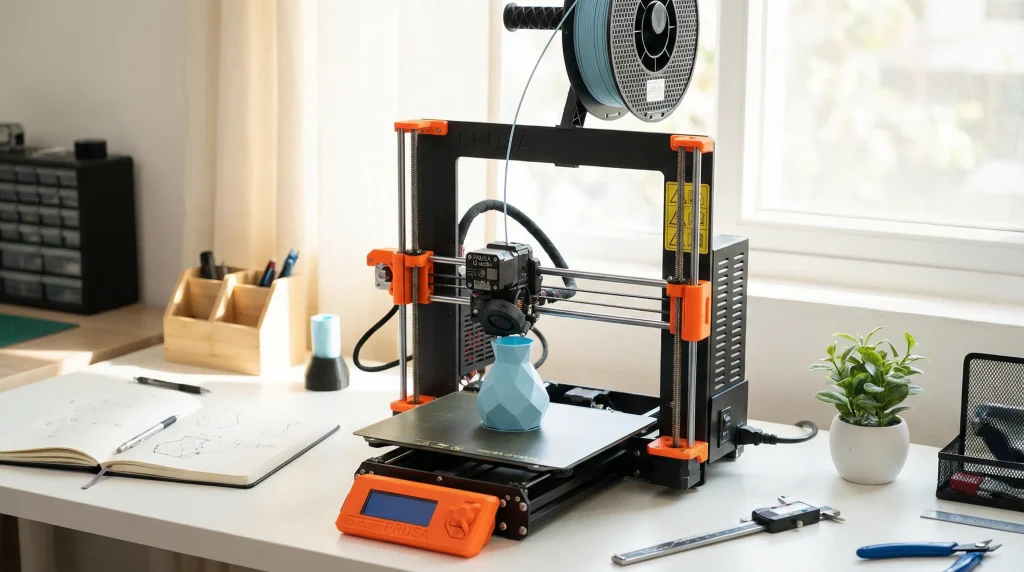
For beginners printing simple objects, most prints usually fall between 1 and 6 hours.
What Factors Affect 3D Printing Time?
Several key factors determine how long a 3D print will take.
1. Size of the Object
The most obvious factor is object size.
Small objects:
- Keychains
- Small figurines
- Simple brackets
These often print in under 1–2 hours.
Larger objects:
- Helmets
- Large prototypes
- Functional parts
These can take 10 hours or more depending on their dimensions.
The larger the object, the more layers the printer must produce, which increases printing time.
2. Layer Height
Layer height refers to how thick each printed layer is.
Common layer heights include:
- 0.1 mm
- 0.2 mm
- 0.3 mm
Smaller layer heights create smoother prints but increase the number of layers required.
For example:
- 0.1 mm layer height produces high detail but takes longer
- 0.2 mm layer height prints faster and is commonly used
Lower layers mean more layers, which increases print time.
3. Print Speed
3D printers move at different speeds depending on the settings.
Higher speeds reduce printing time but may reduce print quality. Lower speeds improve accuracy but increase the total time required.
Most printers balance speed and quality to achieve reliable results.
4. Infill Percentage
Infill refers to the internal structure of the object.
Examples of infill settings:
- 10%
- 20%
- 50%
- 100%
Lower infill percentages print faster because less material is used.
Higher infill increases strength but also increases print time.
For most everyday objects, 10–20% infill is sufficient.
5. Number of Supports
Some models require support structures to hold overhanging sections during printing.
These supports:
- Add extra layers
- Increase material use
- Extend printing time
Objects designed without large overhangs usually print faster.
Typical Print Time Examples
Here are some common examples to illustrate typical printing times.
Small Keychain
Estimated time: 30 minutes to 1 hour
Phone Stand
Estimated time: 1 to 3 hours
Small Mechanical Part
Estimated time: 3 to 6 hours
Large Decorative Object
Estimated time: 8 to 15 hours
Large Prototype or Model
Estimated time: 12 to 24 hours or more
These examples vary depending on printer settings and object complexity.
Do 3D Printers Run Continuously During Long Prints?
Yes. Many prints run continuously until they finish.
Long prints may last:
- Overnight
- Entire days
- Multiple days for very large models
Most modern 3D printers are designed to handle long print sessions without problems when properly maintained.
Can Printing Time Be Estimated Before Printing?
Yes. Most slicing software calculates estimated printing time before the print starts.
Popular slicing software tools include:
- Cura
- PrusaSlicer
- Bambu Studio
These programs analyze the model and settings to estimate how long the printer will take.
While estimates are not always exact, they are usually close enough to help users plan their prints.
Why Do Some 3D Prints Take So Long?
Some prints take longer because of high detail or complex geometry.
Objects that take longer often include:
- Detailed figurines
- Mechanical parts with tight tolerances
- Large decorative models
- Functional prototypes
When precision matters, slower printing improves accuracy.
How to Reduce 3D Printing Time
Although some prints naturally take longer, users can reduce print time in several ways.
Increase Layer Height
Larger layers reduce the number of layers required.
Reduce Infill
Lower infill percentages speed up printing.
Simplify the Model
Objects with fewer overhangs and simpler shapes print faster.
Optimize Supports
Reducing unnecessary supports can save time and material.
These adjustments help shorten print times without sacrificing usability.
Are Faster Prints Always Better?
Not necessarily.
Printing too fast can cause:
- Poor surface quality
- Weak layer bonding
- Inaccurate dimensions
For many projects, a balanced speed provides the best results.
How Long Do Professional 3D Prints Take?
Industrial 3D printers may print faster than desktop machines, but large professional prints can still take many hours.
For example:
- Prototypes may take 6–12 hours
- Large engineering parts may take 24 hours or longer
Even in professional environments, long printing times are common.
Final Thoughts
3D printing takes time because objects are built layer by layer. Small models may finish quickly, but larger or more detailed prints naturally require longer printing sessions.
Understanding the factors that influence printing time helps users set realistic expectations and plan their projects effectively. With experience, estimating print duration becomes easier, allowing users to balance speed, quality, and reliability for each project.
Frequently Asked Questions
Can a 3D print take multiple days?
Yes. Large or highly detailed prints can take more than 24 hours to complete.
Why is my 3D printer taking so long?
Printing time may increase because of small layer heights, high infill, complex shapes, or slow print speeds.
Is it normal for prints to take several hours?
Yes. Many everyday prints require several hours to finish.
