
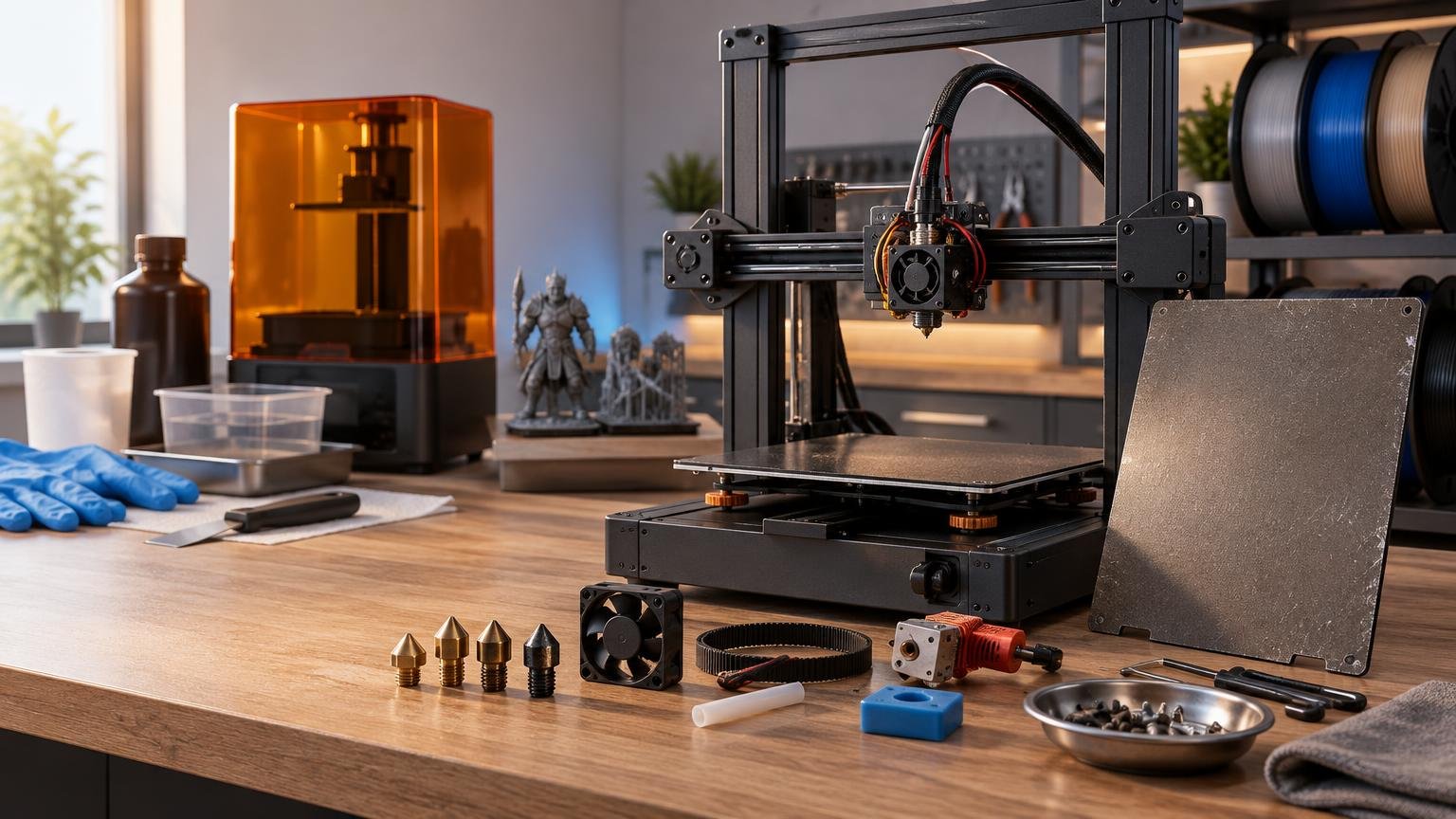
There is no honest universal annual figure for 3D-printer maintenance costs. A lightly used FDM printer running ordinary PLA may need little more than cleaning supplies and an occasional nozzle, while a production machine processing abrasive filament can consume nozzles, build surfaces, tubing, wipers, and hotend parts much faster. Resin printers add tank wear, cleaning media, gloves, filters, and failure cleanup to the calculation.
The useful way to budget is by print hours and workload, not simply by printer age. Manufacturer schedules commonly specify inspections and service at usage intervals rather than promising a fixed yearly cost. Prusa, for example, calls for checks before every print, broader maintenance at 200 print hours, periodic fan checks, and electrical-connection inspection at roughly 600–800 hours on its MK4/S and MK3.9/S machines. Its official maintenance schedule illustrates why two owners of the same printer can face very different annual expenses.
For most owners, maintenance spending falls into four buckets: inexpensive routine supplies, predictable wear parts, failure-related replacements, and optional paid labor. Keeping those categories separate produces a more useful estimate than treating every spare part as an annual purchase.
What counts as a 3D-printer maintenance cost?
| Cost category | FDM examples | Resin examples | How to budget |
|---|---|---|---|
| Routine supplies | Lubricant, cleaning materials, cutters, nozzle-cleaning tools | Gloves, wipes, wash media, filters, tank-cleaning tools | Track actual consumption over several months |
| Wear parts | Nozzles, PTFE tubing, wipers, silicone socks, build surfaces | Resin tanks, build-platform wear items, cleaning accessories | Allocate cost across print hours or completed jobs |
| Failure-related parts | Hotends, heaters, thermistors, fans, belts, sensors | Damaged tanks, screens or other contaminated components | Maintain a repair reserve rather than assuming annual replacement |
| Labor and downtime | Diagnosis, installation, recalibration and lost production | Cleanup, tank inspection, recalibration and lost production | Include when the printer supports paid work |
Routine supplies are usually inexpensive individually, but they are the easiest costs to overlook. FDM machines may require lubricant, nozzle or purge wipers, PTFE tubing, silicone socks, cutters, and cleaning materials in addition to the obvious nozzle. Bambu Lab’s A1 mini consumables bundle, for example, was listed at $29.53 when checked on October 22, 2026. That price demonstrates the scale of one parts bundle; it does not establish that every owner needs one each year.
Failure-related parts should be handled differently. Buying a hotend or fan once does not prove that it belongs in every future annual budget. It is better to keep a modest reserve and record the component’s actual service life on your machine.
Nozzle costs depend more on filament than print hours alone
A brass nozzle printing non-abrasive PLA or PETG can remain usable for a long time, so replacing it by calendar date may waste money. The equation changes with carbon-fiber, glass-fiber, glow-in-the-dark, metal-filled, or mineral-filled materials. Prusa warns that brass nozzles wear quickly with abrasive filament, while research archived by the University of Kragujevac reports that abrasive-filament wear can alter nozzle geometry and affect dimensional accuracy.
Nozzle wear is not always an obvious total failure. A widened or irregular opening can change extrusion width, dimensional consistency, corners, and surface quality while the printer continues producing parts. If repeatable parts gradually become oversized or extrusion becomes inconsistent after abrasive printing, inspect the nozzle before changing slicer compensation.
Do not confuse a clog with wear. A partially obstructed hotend may respond to a cold pull, a documented maintenance procedure that can remove material without replacing the nozzle or complete hotend. Severe blockages, damaged threads, leaks, or embedded debris can make replacement the more practical option.
The cheapest long-term approach is to match nozzle material to the workload. Standard brass remains economical for ordinary filament, while frequent abrasive printing justifies a compatible wear-resistant nozzle even if its purchase price is higher. Also check whether the printer accepts a nozzle alone or requires a larger proprietary hotend assembly; that design choice can turn a small wear item into a more expensive repair.
Build plates are maintained often but replaced by condition
Build-plate cleaning is routine maintenance, yet cleaning chemistry is surface-specific. Prusa permits limited acetone use on its Smooth sheet but says not to use it on Textured, Satin, or special PA Nylon sheets. A solvent that works on one surface can therefore shorten the life of another.
Before replacing a plate because adhesion has declined, rule out oil, residue, incorrect first-layer calibration, low bed temperature, and an unsuitable plate-material pairing. Replace the surface when it is physically damaged, permanently contaminated, badly warped, or no longer provides consistent adhesion after correct cleaning and setup.
Flexible plates also make handling part of the cost equation. Deep scraping, repeated impacts from an incorrectly set nozzle, or aggressive flexing can create avoidable damage. A spare plate may still be worthwhile for a busy workshop because it reduces downtime, but a spare held in inventory is not the same thing as a part consumed every year.
Belts, rods, lead screws, and motion hardware
Motion-system maintenance is highly architecture-specific. Belt tension, rod lubrication, lead-screw treatment, and bearing access are not interchangeable across printer designs. Prusa’s MK4/S instructions call for cleaning motion components and lubricating smooth rods at 200-hour intervals, but specifically say not to lubricate the Z-axis threaded lead screws on those models. Bambu Lab documentation, by contrast, calls for lubrication or grease on applicable rods and lead screws while specifying that X1-series carbon rods should be cleaned rather than lubricated.
That distinction matters because unnecessary lubricant can attract debris or conflict with the intended bearing and rod system. Follow the exact manual for the model rather than relying on a generic social-media maintenance checklist.
Belts are best treated as condition-based parts. Inspect them for visible damage, contamination, abnormal tracking, and tension problems, but do not assume they need annual replacement. When a belt adjustment is required repeatedly or motion artifacts persist after correct tensioning and mechanical inspection, replacement becomes easier to justify. Keep the correct belt specification and installation procedure available before a failure stops the printer.
Fans are cheap parts with expensive consequences
Hotend and electronics fans often cost less than major assemblies, but a weak or obstructed fan can cause failed prints, heat-management problems, or downtime that exceeds the part price. Dust removal and periodic listening checks are therefore valuable. Grinding, rattling, intermittent starts, or visibly reduced airflow deserve investigation rather than another print job.
As one concrete price reference, Bambu Lab listed a P1-series hotend cooling fan at $11.99 on October 22, 2026. The company describes it as a high-speed rotating component with an expected life of 50,000 hours at 40°C. That specification should not be converted into a universal replacement schedule because real temperature, contamination, duty cycle, and fan design vary.
For business use, holding a compatible fan can be sensible even if it never enters the annual consumption total. Inventory and consumption are separate accounting questions: the first protects uptime, while the second measures what the printer actually costs to operate.
Hotends, wipers, tubing, and other small FDM wear parts
Modern FDM printers increasingly use purge wipers, nozzle brushes, filament cutters, automatic material systems, and compact hotend assemblies. Each feature can improve workflow, but each also adds a potential wear item. Inspect these parts during cleaning rather than waiting for a material-loading error or failed first layer.
Manufacturer pricing shows why printer architecture matters. Bambu Lab listed P1-series hotend-only options starting at $15.99 and a complete hotend at $35.99 when checked on October 22, 2026. The correct repair cost depends on whether the nozzle, heater, sensor, or complete assembly needs replacement and on what the owner is comfortable installing.
A useful illustrative FDM parts basket would be the $29.53 A1 mini consumables kit, a $35.99 complete P1 hotend, an $11.99 P1 hotend fan, and a $3.99 six-pack of lubricant grease. Those listed examples total $81.50. They come from different Bambu product categories and do not represent a recommended kit, a universal annual bill, or parts that every printer uses. Their value is showing how several modest purchases can accumulate when maintenance and a repair happen in the same period.
Resin-printer maintenance has a different cost structure
Resin ownership moves more spending toward contamination control and post-processing. Parts must be washed to remove residual resin, tanks should be inspected between prints, and debris left after a failure can contribute to another failed print or tank damage. Gloves, wipes, cleaning media, filters, and appropriate disposal therefore belong in the operating budget alongside replacement components.
The resin tank is one of the clearest consumable costs. Its life depends on material, usage, physical condition, print pattern, and damage rather than age alone. Formlabs’ Form 3 guidance, for example, says damage may be expected around 600–800 printing hours and also applies material-specific maximum-life limits.
For a current product example, the Formlabs Form 4 Resin Tank is listed at $119 with a stated design life of at least 75,000 layers, described as approximately 190 average-height 39 mm prints at 100-micron layers when using Formlabs resins. At the full stated lifetime, that equals about $0.0016 per rated layer or $0.63 per specified average-height print. Actual cost per successful part changes with model height, layer height, failed prints, debris, tank damage, and how many parts share each build.
Anyone considering resin should budget for the complete workflow, not just the printer and liquid resin. Our guide to choosing a beginner resin-printer setup explains why workspace and post-processing equipment are part of the purchase decision.
How to calculate your own maintenance budget
Start with actual print hours. Usage changes service frequency: UltiMaker, for example, bases one S-series maintenance schedule on 1,500 annual printing hours and says higher use requires more frequent maintenance. A printer running 100 hours per year should not inherit the same budget as one operating several hours every day.
- Record print hours, materials, completed jobs, and failures for a defined period.
- Separate routine supplies from durable spares purchased for inventory.
- Record each installed replacement part, its price, and the printer’s hour count.
- Add paid labor, shipping, and downtime when they materially affect the operation.
- Divide maintenance spend by actual print hours or successful jobs, using the same measurement period.
The basic hourly formula is maintenance spending during the period divided by actual print hours during that period. If you spend $60 over 300 print hours, the recorded maintenance rate is $0.20 per print hour. That is a historical operating figure for that printer and workload, not a prediction for every future year.
For job costing, allocate only the wear associated with production. A resin tank with a documented life basis can be allocated by rated layers or comparable prints. FDM nozzle allocation is less tidy because filament abrasiveness can dominate the result, so recording filament type and grams printed gives the figure more meaning.
Maintenance is only one part of ownership cost. Electricity, material waste, failed jobs, and operator time should remain separate so you can see what is actually driving spending. Our guide to calculating 3D-printer electricity use covers the energy side, while the discussion of printer lifespan and replaceable components explains why a worn part does not necessarily mean the whole machine is finished.
The practical maintenance-cost verdict
Do not shop for a 3D printer on purchase price alone. Check nozzle and hotend design, replacement-part prices, local availability, service documentation, and whether ordinary repairs require replacing a small component or an entire assembly. For resin machines, include tanks and the complete cleaning workflow from the beginning.
For an occasional FDM user, maintenance may remain a small and irregular expense. Abrasive materials, long production hours, complex material systems, and paid downtime raise the stakes. Resin printing usually creates a steadier stream of workflow consumables and makes tank condition a direct part of per-job cost.
The most defensible budget is therefore a printer-specific record: routine supplies plus installed wear parts plus repairs and labor, divided by real print hours or successful jobs. Track that for six to twelve months and you will have a far better ownership estimate than any universal annual allowance can provide.
References
- Regular printer maintenance (MK4/S, MK3.9/S) | Prusa Knowledge Base
- Essential Consumables Kit – A1 mini | Bambu Lab US Store
- University of Kragujevac Digital Archive: INFLUENCE OF THE NOZZLE WEAR ON 3D PRINTING QUALITY
- Prusa Nozzle types for Nextruder printers | Prusa Knowledge Base
- Cold pull #26702 (MK4S) #13702 (MK4) #28702 (MK3.9S) #21702… | Prusa Knowledge Base
- Bambu Lab H2D 3D Printing User Manual Chapter 11 Regular Maintenance
- Cooling Fan for Hotend – P1 Series | Bambu Lab USA Store
- Bambu Hotend – P1 Series | Bambu Lab USA Store
- Lubricant Grease | Bambu Lab USA Store
- Form Wash V2 | Formlabs
- Inspecting and cleaning resin tanks (Form 3L/Form 3BL) | Formlabs
- Resin tank lifetime and monitoring (Form 3/Form 3B) | Formlabs
- Form 4 Resin Tank | Formlabs
- support.ultimaker.com