
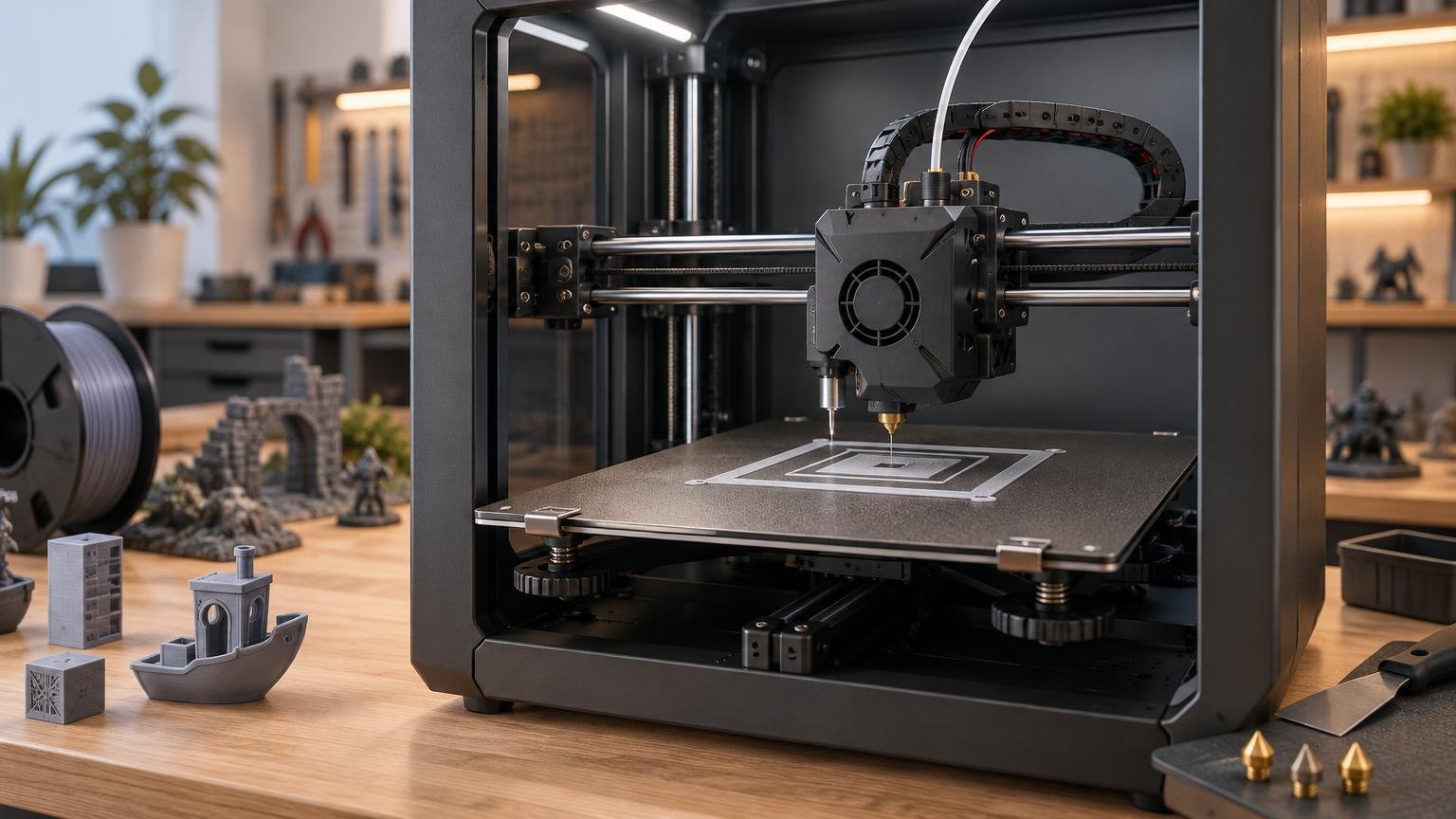
Automatic bed leveling is worth it for most FDM printer buyers when it is implemented as a complete first-layer system, not merely added as a probe on the toolhead. A dependable system reduces repetitive adjustment, compensates for modest surface variation, and makes it easier to use more of the build plate. It is especially valuable on large beds and on printers that regularly change build sheets or nozzles.
The important qualification is that “automatic” has several meanings. Most systems measure the bed and compensate in firmware; they do not physically flatten a warped plate, turn manual adjustment wheels, correct loose hardware, or guarantee the right nozzle height. The best implementations automate probing and make Z-offset calibration nearly invisible. The weakest still leave the owner tramming the bed, setting the offset, editing start G-code, and wondering whether the saved mesh is active.
What automatic bed leveling actually does
A typical system probes the build surface at multiple XY positions. The firmware uses those measurements to create a model of the bed, then makes small Z-axis corrections as the nozzle moves across the first layers. The objective is consistent nozzle-to-bed clearance, even when the surface is slightly tilted or uneven. Marlin’s automatic bed-leveling documentation distinguishes planar compensation for overall tilt from a bilinear grid that can represent more localized variation.
That compensation has limits. The Klipper bed-mesh documentation describes the mesh as an approximation of the bed’s shape and warns that it cannot repair mechanical or electrical faults, skewed axes, or inaccurate probe readings. A loose gantry, contaminated nozzle, shifting build plate, or badly warped surface remains a hardware problem even if the printer can generate a colorful mesh diagram.
Bed leveling is also separate from Z offset. The mesh describes how nozzle clearance changes from one part of the plate to another. Z offset establishes the baseline distance between the nozzle and the build surface. If the first layer is too high or too low everywhere, the offset is the likely problem. If it is correct in one region but poor elsewhere, leveling or surface variation is the stronger suspect.
The systems that reduce the most setup
| System | What it automates | Setup still required | Practical verdict |
|---|---|---|---|
| Manual mesh leveling | Firmware compensation after the user measures grid points | Paper or feeler-gauge checks at every point | Useful on older printers, but it does not remove much labor |
| Offset probe beside the nozzle | Repeatable multi-point probing and mesh creation | Probe offsets, Z offset, bed tramming, and mesh activation may need attention | A worthwhile upgrade when firmware integration is sound |
| Nozzle-contact probing | Measures the surface at the nozzle’s actual XY position | Clean nozzle, stable mechanics, and sometimes first-layer calibration | Usually the cleanest route to low-friction setup |
| Gantry alignment plus bed mesh | Aligns independently driven Z motion, then maps the surface | Initial mechanical assembly and periodic verification | Best suited to machines whose architecture supports both processes |
Manual mesh leveling
Manual mesh leveling provides firmware compensation without installing a probe. The owner moves the nozzle through a grid and establishes the height at each point with paper or a feeler gauge. Marlin supports this approach for machines without a sensor. It can improve first-layer consistency, but the measuring work remains manual, so it is better understood as an inexpensive workaround than automatic setup.
Offset-mounted probes
BLTouch- and CR Touch-style systems deploy a sensor beside the nozzle, collect measurements, and let the firmware compensate from the resulting mesh. These systems can handle localized variation and are widely applicable, but their position introduces an important constraint: the probe cannot necessarily reach every point the nozzle can reach. Correct XY probe offsets, useful bed coverage, and an accurate Z offset all matter.
A probe installation is therefore not equivalent to a finished leveling workflow. Marlin’s setup guidance calls for physically tramming the corners of an adjustable Cartesian bed before running automatic leveling. Its probing result may also need to be saved and explicitly enabled through firmware commands or start G-code. A well-integrated printer handles those details for the owner. A poorly integrated upgrade transfers them to the owner.
Nozzle-contact systems
A nozzle-contact system uses the nozzle itself as the probing point, often through force or load sensing. This removes the XY separation between probe and nozzle, so the machine measures where extrusion will actually occur. Creative Bloq describes the Original Prusa MK4S as using a nozzle-connected load cell that taps the bed during its automatic routine.
This architecture can simplify the ownership experience because there is no side-mounted probe position to account for. It does not make the printer immune to dirty nozzles or mechanical instability, however. Material stuck to the nozzle changes the effective contact point, while movement in the toolhead or bed can make any measurement unreliable.
Gantry alignment and bed meshing
On machines with independently driven Z motors, aligning the gantry is a separate task from mapping the bed. Voron’s Quad Gantry Level workflow, for example, performs mechanical alignment before the bed-mesh routine. This distinction matters when shopping: a printer may advertise automatic bed leveling without automatically correcting a tilted gantry.
The most complete systems automate both jobs in the correct order. This becomes increasingly useful as build volume grows because a larger motion system gives small alignment errors more room to affect the first layer. Buyers comparing larger machines should treat leveling, gantry alignment, and plate stability as part of the wider large-format 3D-printer workflow, rather than judging bed dimensions alone.
Mesh density helps, but more points are not always better
A denser grid can represent smaller variations, but every additional measurement takes time. Prusa offers 3×3 and 7×7 mesh options: those routines measure nine and 49 points respectively, before accounting for repeated samples at each location. Prusa’s mesh-leveling guidance also allows multiple measurements per point, which extends calibration further.
The right density depends on the bed and workload. A rigid, flat plate may not benefit visibly from an elaborate mesh before every print. A larger or irregular surface may justify more points, particularly when models use most of the available area. The useful question is not which printer advertises the largest grid. It is whether the routine produces repeatable first layers without adding excessive time to every job.
Probe quality and conditions can matter more than point count. Prusa warns that nozzle debris or pressure on the bed during probing can produce readings outside expected tolerances, triggering recalibration or cancellation. Its system also accounts for measurements affected by bed magnets. A dense map of inconsistent readings is still an inconsistent map.
Why some automatic systems still feel manual
A complete first-layer workflow has several links: stable mechanics, a repeatable probe, sufficient coverage, a correct baseline offset, saved calibration data, and firmware or slicer instructions that use that data. Failure at any link can make an installed probe feel ineffective.
- The bed is severely tilted, loose, or mechanically unstable before probing begins.
- The Z offset is wrong, making the nozzle too high or too low across the entire surface.
- An offset probe cannot measure important regions near the bed edges.
- The nozzle or probe is contaminated, damaged, or inconsistent.
- The mesh was generated but was not saved, loaded, or activated for the print.
- A build plate, nozzle, toolhead component, or hot-end configuration changed after calibration.
- The printer maps the bed but does not align an independently driven gantry.
A real printer illustrates the difference between having a probe and removing setup. All3DP’s review of the CR Touch-equipped Creality Ender 3 S1 Plus reported that manual work and Z-offset adjustment were still required before running its 16-point probing routine. The Ender 3 S1 Plus review shows why buyers should evaluate the whole calibration sequence rather than treating the sensor name as the deciding feature.
At the other end of the experience, TechRadar reported consistently successful first layers during a six-month Qidi Q2 review and said the initial calibration height did not require adjustment after auto-calibration. That result reflects the complete printer—hardware, firmware, plate, material profiles, and maintenance—not bed leveling in isolation. Still, it demonstrates the outcome shoppers should seek: calibration that recedes into the workflow instead of becoming a recurring project.
When automatic bed leveling is worth paying for
Give the feature substantial weight when buying a large-format printer, using much of the build area, changing build surfaces, swapping nozzles, or repeatedly fighting inconsistent first layers. It is also valuable in classrooms and production-like settings where several users need predictable setup without relying on one person’s feel for a paper test.
Its value is smaller on a rigid, well-trammed machine with a demonstrably flat plate, especially for an experienced owner who prints in the center and rarely changes the hardware. Even there, a reliable automated routine can save time after maintenance. It should simply rank behind fundamentals such as sound mechanics, parts support, thermal performance, and a usable control workflow.
Before buying, look past the phrase “automatic bed leveling” and answer these questions:
- Does the printer set the Z offset automatically, guide the user through it, or leave it entirely manual?
- Does probing cover most of the nozzle’s usable print area?
- Does the machine align its gantry separately when its motion architecture requires that step?
- Is the mesh automatically stored and applied, or must start G-code activate it?
- Can calibration run at realistic printing temperatures, and does the documentation explain when to repeat it?
- Do independent reviews report repeatable first layers over time, not merely a successful initial setup?
First-layer consistency should also be tested with meaningful parts, not judged only from a calibration screen. A broad single-layer pattern can reveal clearance variation, while a larger functional or terrain print shows whether adhesion remains dependable during a real job. That combination fits a more useful FDM printer benchmarking process than relying on one small test object.
The practical verdict
Automatic bed leveling is usually worth it, but only as part of a coherent calibration system. Nozzle-contact probing offers the cleanest measurement geometry, while a good offset probe can deliver similarly practical results when its offsets, coverage, and firmware are handled correctly. Gantry alignment is an additional advantage on machines that need it; manual mesh leveling remains a viable budget option but saves much less effort.
Frequently Asked Questions
Does automatic bed leveling eliminate manual bed tramming?
Not necessarily. Adjustable Cartesian beds may still need physical tramming before probing, especially during initial setup. The mesh compensates for modest variation; it does not repair loose hardware or physically flatten the plate.
Why does Z offset still matter with automatic bed leveling?
The mesh tracks height variation across the plate, while Z offset sets the baseline nozzle distance. A first layer that is wrong everywhere usually points to the offset rather than the mesh.
Is a denser bed mesh always better?
No. More points can represent smaller variations, but they also lengthen calibration. Repeatable measurements and useful coverage matter more than chasing the largest advertised grid.
References
- Unified Bed Leveling | Marlin Firmware
- Original Prusa MK4S review: the old guard of 3D printing | Creative Bloq
- Automatic Bed Leveling | Marlin Firmware
- Mesh bed leveling | Prusa Knowledge Base
- Z Offset and Babystepping | Marlin Firmware
- Bed Mesh – Klipper documentation
- Calibrate | Marlin Firmware
- Voron Documentation | Voron Official and Community Documentation
- Creality Ender 3 S1 Plus Review: Bigger & Better? | All3DP
- Qidi Q2 3D printer review | TechRadar