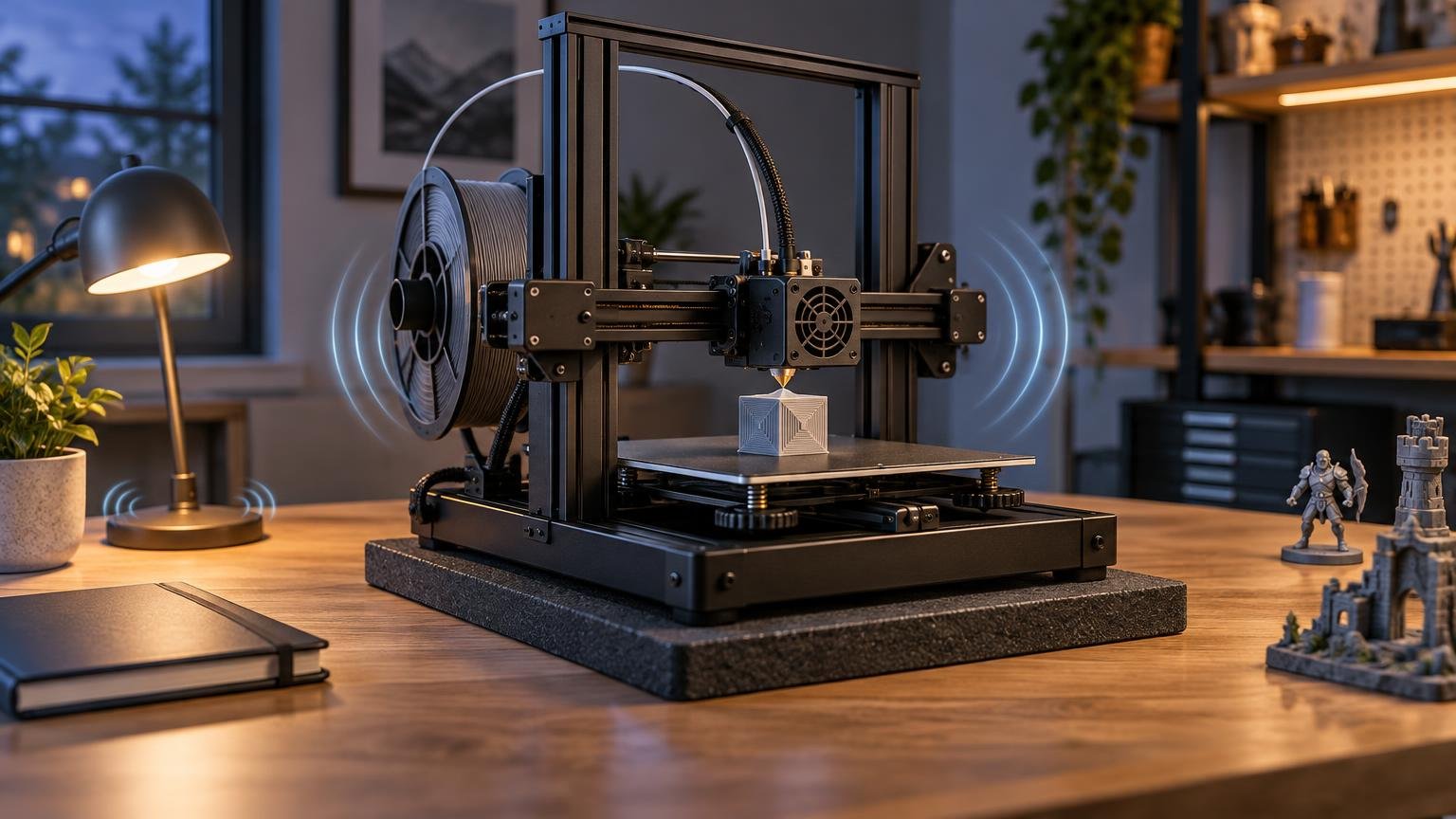
Do not choose a supposedly quiet 3D printer from a single decibel figure. The safer approach is to look for a documented quiet mode, understand the performance it limits, check whether fan or motion noise dominates, and plan to put the machine on a rigid surface that does not amplify vibration.
For anyone doing 3d printer noise comparison buying research, the central problem is that public noise figures rarely come from matched tests. Distance, room acoustics, background noise, print speed, material, fan settings, measurement weighting, and the chosen test model can all change the result. A printer advertised at a lower number is not necessarily less disruptive in your apartment or office.
There is therefore no defensible universal “quietest 3D printer” in the supplied evidence. You can still make a good buying decision by separating three questions: how much airborne sound the printer produces, whether its sound character is irritating, and how much vibration reaches the desk, floor, or adjoining room.
Why 3D printer noise comparison buying requires context
A decibel claim is useful only when its conditions are clear. At minimum, a fair comparison needs the same microphone position and distance, the same acoustic weighting, a similar background level, and an equivalent print workload. It should also identify whether the result is an average over time or a brief maximum.
Formal acoustic measurement is considerably more controlled than placing a phone beside a printer. For example, ISO 3744:2025 describes engineering methods for determining sound power from sound-pressure measurements in an essentially free field over a reflecting plane. The standard also recognizes measurement uncertainty. That does not mean buyers need a laboratory, but it illustrates why two unexplained product-page figures should not be treated as a scientific head-to-head result.
Sound pressure at a particular listening position is also different from the sound power emitted by a machine. Room reflections, walls, furniture, and distance affect what reaches the listener. A one-meter reading beside a printer cannot, by itself, predict whether low-frequency vibration will be audible through a shared wall.
What current published claims actually establish
The following examples show several ways manufacturers and reviewers discuss noise. They are not a ranked test because their evidence and conditions differ.
| Printer or feature | Published evidence | Mode or workload | Test conditions disclosed here | Sound character evidence | Performance trade-off | Responsible interpretation |
|---|---|---|---|---|---|---|
| Anycubic Kobra S1 Combo | As low as 46 dB in Standard Print Mode and 44 dB in Quiet Print Mode | Standard and Quiet modes | Not sufficient for a matched comparison | No dominant sound identified by the cited claim | Quiet mode implies a changed operating profile, but its time cost is not established here | A manufacturer-reported low-noise claim, not proof that it is quieter than another model |
| Prusa Stealth Mode | Documentation says the mode reduces noise by limiting acceleration, feedrate, and jerk | Stealth Mode on supported models with applicable firmware | No cross-brand acoustic test supplied | Targets noise associated with printer motion | Explicit speed and motion trade-off | Strong evidence that quieter operation can require lower motion performance |
| Bambu Lab A1 mini | Active Motor Noise Cancelling is described as calibration that compensates for harsh motor noise | Calibrated motor operation | No comparable decibel result supplied | Specifically addresses harsh motor noise | No quantified print-time penalty established here | A relevant noise-control feature, but not a cross-brand decibel conclusion |
| Bambu Lab P1S | A hands-on review lists noise as a reason to avoid the printer | Normal review use; no standardized comparison supplied | Qualitative review conditions | Reviewer found the overall noise objectionable | Not quantified | Useful warning for sensitive spaces, but not a numerical ranking |
| UltiMaker S7 | Operating sound specified as under 50 dBA | Operating specification | Conditions are not matched to the other examples | No dominant source identified by the specification | No quiet-mode trade-off established | A separately qualified published specification, not directly comparable with Anycubic’s figures |
The Anycubic numbers demonstrate the qualification problem particularly well. “As low as” describes a best-case threshold rather than a guaranteed level across every print. The two-decibel difference between its published modes should not be converted into a real-world conclusion without knowing the workload, measurement procedure, and variation across a job.
Prusa’s documentation provides a different and often more useful kind of information: it explains how noise reduction is achieved. Stealth Mode limits acceleration, feedrate, and jerk on supported models, so reduced motion noise comes with reduced performance. The documentation applies that behavior to firmware 6.0.0 and later on supported machines. That is a concrete trade-off a buyer can evaluate even without a universal decibel score.
Identify the noise that will bother you
A single sound-pressure result compresses several different noises into one number. Before buying, consider which source is most likely to disturb your particular space.
- Stepper and motion noise changes with travel speed, acceleration, direction changes, and motion calibration. Repetitive tones can be noticeable even when an overall reading appears modest.
- Cooling fans can produce a steady broadband sound throughout a long print. Slowing motion may do little if the hotend, electronics, or chamber fans remain the loudest components.
- Desk-borne vibration can turn a lightweight or hollow table into a sounding board. The printer may seem acceptable on a rigid bench yet become intrusive on flat-pack furniture.
- Mechanical rattles are often installation or maintenance problems rather than fixed product characteristics. Loose panels, spool holders, cables, doors, and accessories can buzz at particular movement frequencies.
- Alerts, startup routines, calibration sequences, purge operations, and filament systems may create short sounds that an average reading hides. These can matter in a bedroom or during calls.
This is why sound character matters. A steady fan may blend into an office more easily than a changing motor tone, while a neighbor may notice structure-borne vibration more than either. Bambu Lab’s documented Active Motor Noise Cancelling on the A1 mini is relevant because it is intended to compensate for harsh motor noise, but it does not establish that every other sound source is quiet.
Choose according to where the printer will operate
Desk-side home office
Prioritize predictable fan behavior, effective motion calibration, and a quiet profile you can activate during calls. Also consider whether the printer performs frequent automatic routines. A fast printer may be tolerable across the room but distracting when it shares your desk.
Apartment or shared home
Vibration control is as important as the advertised sound level. Favor a location away from shared walls and avoid furniture that resonates. Ask whether you can schedule fast, noisy stages during the day and use a reduced-motion profile when disturbance matters more than completion time.
Bedroom
A bedroom is the most demanding placement because long prints can involve continuous fans, changing motion tones, and occasional alerts. Even a printer marketed as quiet may interfere with sleep. Relocating the machine is usually a more dependable strategy than expecting a quiet mode or enclosure to make overnight operation unobtrusive.
Classroom
Look beyond the lowest possible figure and consider normal-profile behavior. A machine that is quiet only when slowed substantially may not meet classroom throughput needs. Predictable operation, supervision, maintenance, and the ability to pause or schedule jobs can matter more than winning a small specification difference.
Dedicated workshop
Noise may rank below throughput and material support, but it still affects long work sessions. Workshops also make it easier to use a heavy bench, separate the printer from quiet rooms, and address rattles without compromising productivity.
How to run a fair noise comparison
When a retailer, reviewer, or owner provides recordings and measurements, check whether the procedure is repeatable. A useful comparison should resemble a controlled printer benchmark rather than a collection of unrelated clips. The same principle used in repeatable FDM printer benchmarking applies here: hold the workload and settings steady before attributing a difference to the machine.
- Use the same room and printer position. Keep doors, windows, ventilation, and major background sources consistent.
- Record the background level before each run. If the printer is close to the room’s background, small environmental changes can distort the result.
- State the microphone distance, height, and orientation. Do not move the device closer to one printer than another.
- Use dB(A) for the main reported result and identify the meter or measurement method. A-weighting broadly reflects human hearing sensitivity, but it still does not describe every tonal or vibration issue.
- Print the same file with the same material type, layer height, general speed class, and cooling requirements. A small slow model is not comparable with a fast, fan-heavy job.
- Report both a time-averaged result and a maximum if the equipment supports them. Note calibration, rapid travel, purge, and other short events separately.
- Repeat the test in default and quiet modes. Record print time as well as sound so the acoustic benefit is not separated from its throughput cost.
- Make a separate vibration observation. Listen from the adjoining room and check whether the support surface, floor, panels, or spool system resonates.
A phone application can help you compare two configurations in your own room, but it should not be presented as laboratory-grade evidence. Its strongest use is relative: determining whether moving the printer, changing its profile, or fixing a rattle improves the same installation under similar conditions.
Quiet mode can cost time
There is no responsible universal answer to how much extra print time a quiet mode adds. The effect depends on the model, firmware, sliced geometry, acceleration limits, travel moves, and portions of the job already constrained by filament flow or cooling.
A model containing many short segments and direction changes may be more sensitive to reduced acceleration than a simple part with long steady paths. Compare slicer estimates using the normal and quiet profiles, then verify with the kinds of projects you actually print. Do not assume a quieter profile will add the same percentage to every job.
For ownership planning, completion time also affects how long fans and heaters remain active. Readers evaluating long jobs may find it useful to consider noise alongside 3D-printer electricity use, rather than treating speed, sound, and operating cost as unrelated questions.
Setup changes that can reduce avoidable noise
Start by locating the source instead of buying random upgrades. Briefly observe the machine during slow printing, fast travel, fan changes, and filament handling. A buzz that appears only at certain movements may come from a loose panel or accessory; a constant rush is more likely fan-related.
- Place the printer on a rigid, stable support that does not rock.
- Keep cables, tools, doors, covers, and spool components from tapping against the frame.
- Check fasteners and maintenance items according to the manufacturer’s instructions rather than overtightening components indiscriminately.
- Use the printer’s supported calibration and quiet-mode features before modifying hardware.
- Test vibration-isolation changes in your actual room. A soft layer that reduces furniture transmission must still leave the printer stable.
- Compare default and reduced-motion profiles with the same print before deciding whether the time penalty is worthwhile.
The buying checklist that matters
Before ordering a printer for a noise-sensitive space, ask the seller or manufacturer for the operating mode, measurement distance, acoustic weighting, workload, and whether the published figure is an average, maximum, or “as low as” result. Check whether noise-reduction features are available on the exact model and firmware version you will receive.
Then evaluate the practical compromises: Does quiet mode restrict speed or acceleration? Are the loudest fans active throughout a print? Does an accessory or multicolor system add motors and purge routines? Can the printer sit on a rigid support away from a shared wall? Will long jobs need to run while people sleep or work nearby?
The best low-noise purchase is not necessarily the machine with the smallest advertised number. It is the printer whose noise controls are explained, whose performance trade-offs fit your workload, and whose installation you can keep from transmitting vibration. If noise is critical, require a matched test or buy with a workable return policy; otherwise, treat every isolated decibel claim as one clue rather than the verdict.
Frequently Asked Questions
What makes two 3D-printer decibel claims comparable?
They should use the same room, printer and microphone positions, acoustic weighting, background conditions, workload, material, cooling requirements, and operating mode. The results should also identify whether they are time averages, maximums, or “as low as” figures.
How much extra print time does quiet or stealth mode add?
There is no universal percentage. The effect depends on the printer, firmware, geometry, travel moves, acceleration limits, flow, and cooling constraints. Prusa documents that its Stealth Mode limits acceleration, feedrate, and jerk, illustrating why lower motion noise can reduce performance.
Will an enclosure make a 3D printer quiet?
Not necessarily. Panels may reduce some direct airborne sound while fan noise, openings, and structure-borne vibration remain noticeable. Enclosures can also affect temperature and airflow, so acoustics should be considered alongside ventilation, cooling, material handling, and manufacturer guidance.
References
- Power-modes | Prusa Knowledge Base
- ISO 3744:2025 – Acoustics — Determination of sound power levels of noise sources using sound pressure — Engineering methods for an essentially free field over a reflecting plane
- Anycubic Kobra S1 Combo: Budget Multicolor 3D Printing | Anycubic
- Bambu Lab A1 mini 3D Printer | Bambu Lab USA Store
- Bambu Lab P1S Review: A New Standard for 3D Printing | Tom's Hardware
- 2.2 Specifications